
AI noise reduction on your Mac
Noise in high-ISO photos is a job for AI noise reduction. Lucarne, a free photo editor for the Mac, runs it on your Mac: turn it on, set the amount, and the noise is gone while the detail stays. Nothing is uploaded, there’s no queue, and you don’t pay per photo.
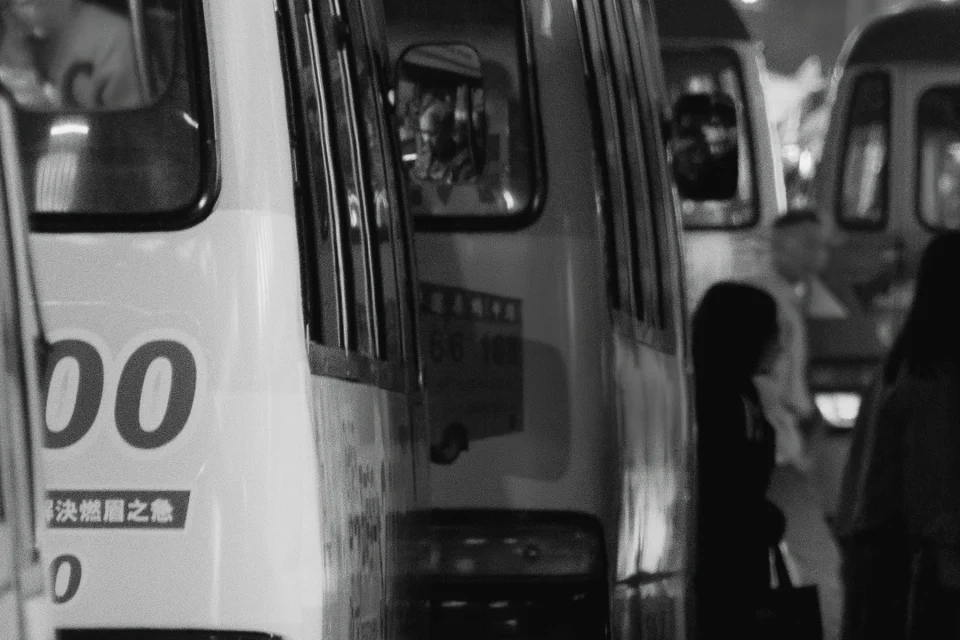
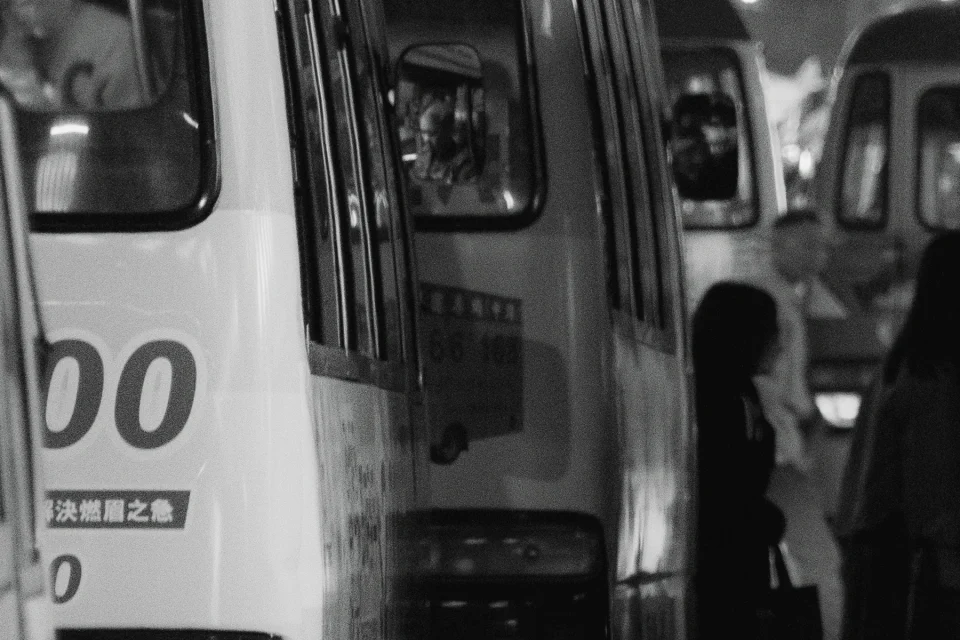
BeforeAfter ISO 12800 · 100%
How to use it
- Open the photo in develop. For photos at ISO 6400 and above, AI noise reduction is already on.
- Set the amount, from 0 to 100 %, to choose between a cleaner and a more textured result.
- The first time you use it, Lucarne downloads the AI model. After that it’s ready.
On your Mac
Noise reduction runs on your Mac’s GPU and CPU. Your photos stay on your Mac, with no waiting on a server and no credits to buy, so you can use it on any photo, including private or client work.
One step of your edit
In Lucarne, noise reduction is one step of a non-destructive edit. Change the amount any time, combine it with exposure, colour, and masks, or save it in a Look to apply to a whole shoot. It’s recorded in your edit, not written into the original file.
Other noise reduction tools
| Tool | Runs | Price |
|---|---|---|
| Lightroom Denoise | On your computer | Subscription |
| DxO PureRAW | On your computer | $119.99, one-time |
| Topaz Photo | On your computer and online | Subscription |
| Lucarne | On your Mac | Free |
Questions
- Is Lucarne's AI noise reduction free?
- Yes.
- Does it need the internet?
- Only to download the AI model the first time. After that, everything happens on your Mac.
- Does it work on JPEGs?
- Yes. RAW, JPEG, and other common formats can all be denoised.
- How big is the model?
- About 160 MB, downloaded once.