
Articles
Guides and answers: editing photos on the Mac, and working with an AI assistant.
-

Let your AI assistant edit your photos
Connect Claude or another AI assistant to Lucarne and it edits your photos on your Mac, one step at a time, checking each result as it goes. Every edit is exact, and you can see and adjust it. Lucarne is free.
-
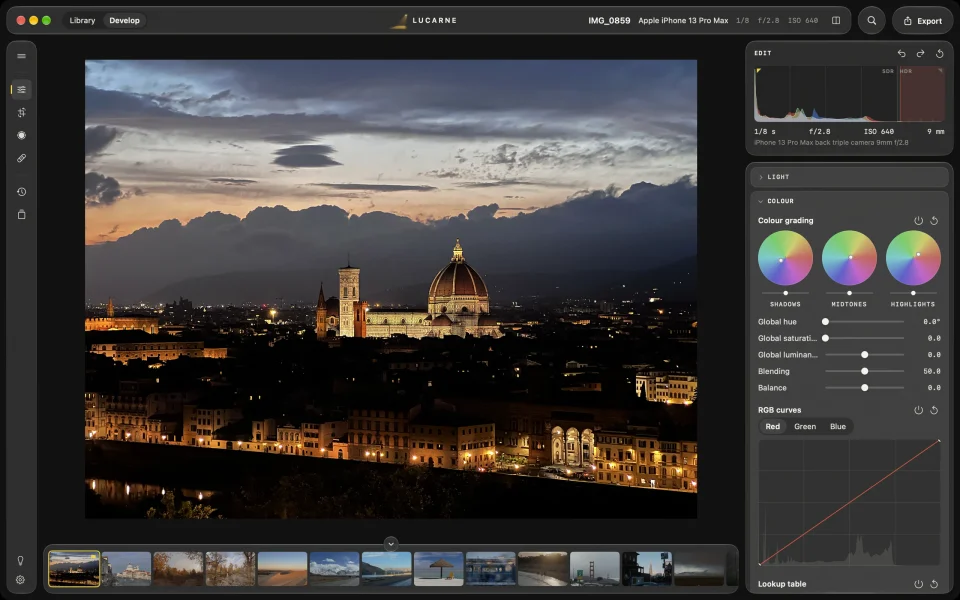
A free Lightroom alternative for the Mac
Looking for a free alternative to Lightroom on your Mac? Lucarne has a full library, RAW editing, local adjustments, and AI that runs on your Mac — in a simpler app, for free.
-
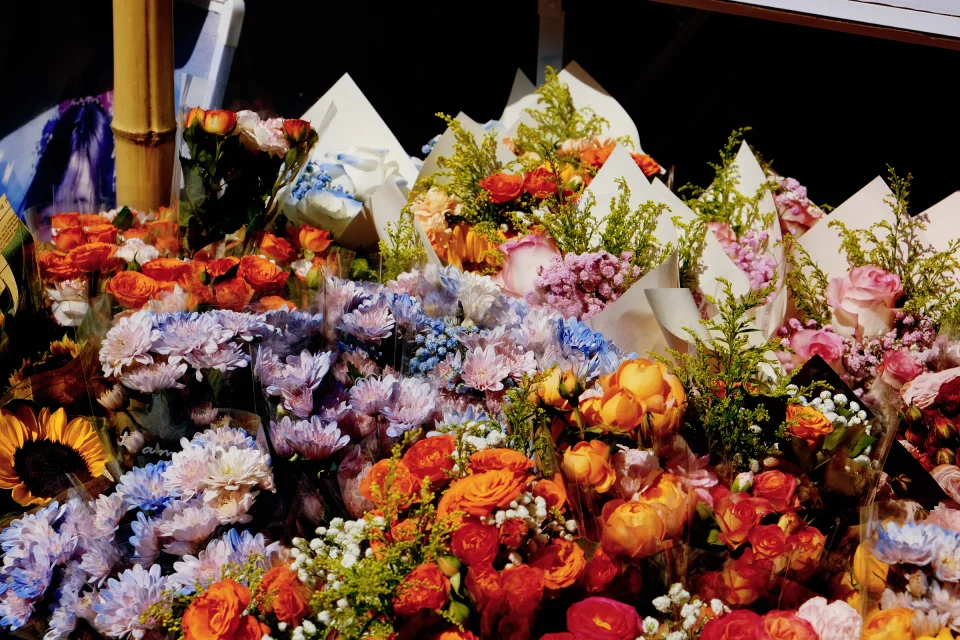
How to edit Fujifilm RAW on a Mac
To edit Fujifilm RAF files on a Mac, Lucarne develops X-Trans files with a method made for them, corrects your lenses from the camera's own data, and has film looks ready to use. Free.
-
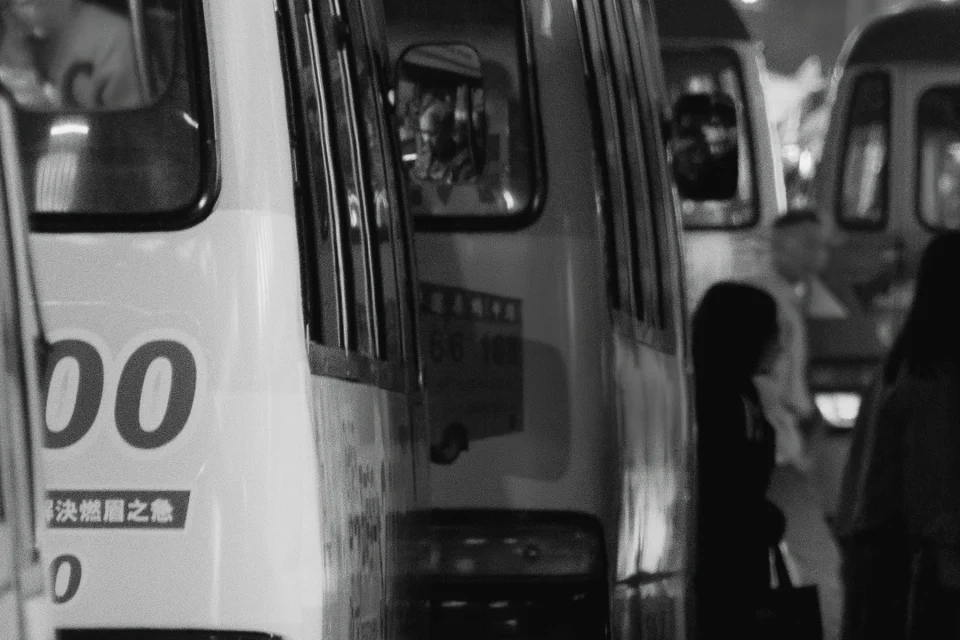
AI noise reduction on your Mac
High-ISO photos from night streets, dim rooms, and concerts are full of noise. Lucarne's AI noise reduction removes it and keeps the detail. It runs on your Mac, uploads nothing, and is free.
-
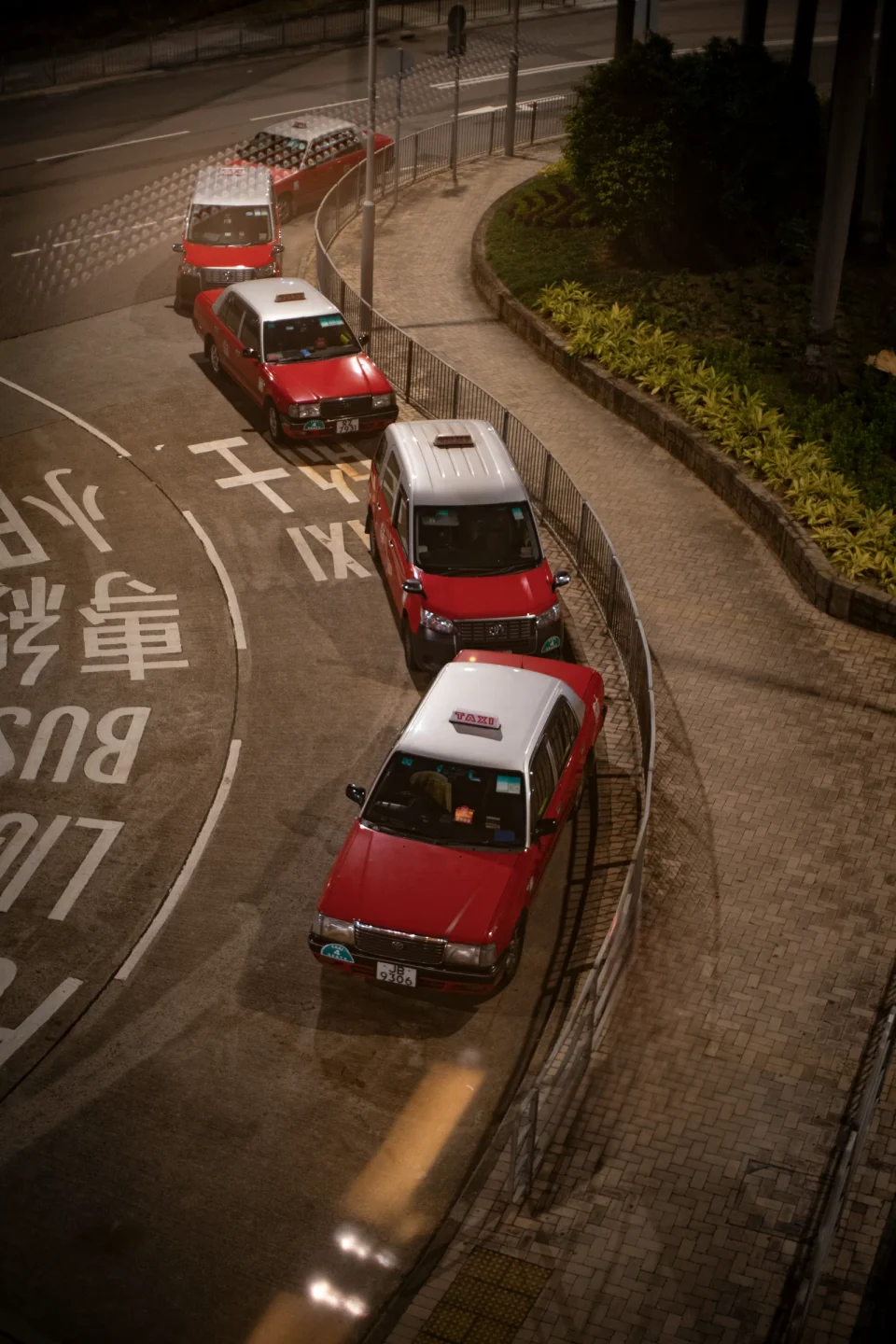
Remove anything from a photo with AI, on your Mac
Something in the frame often spoils the shot: a passer-by, a bin, a wire. In Lucarne, click or brush over it, and AI removes it and fills in the background. It runs on your Mac and is free.
-
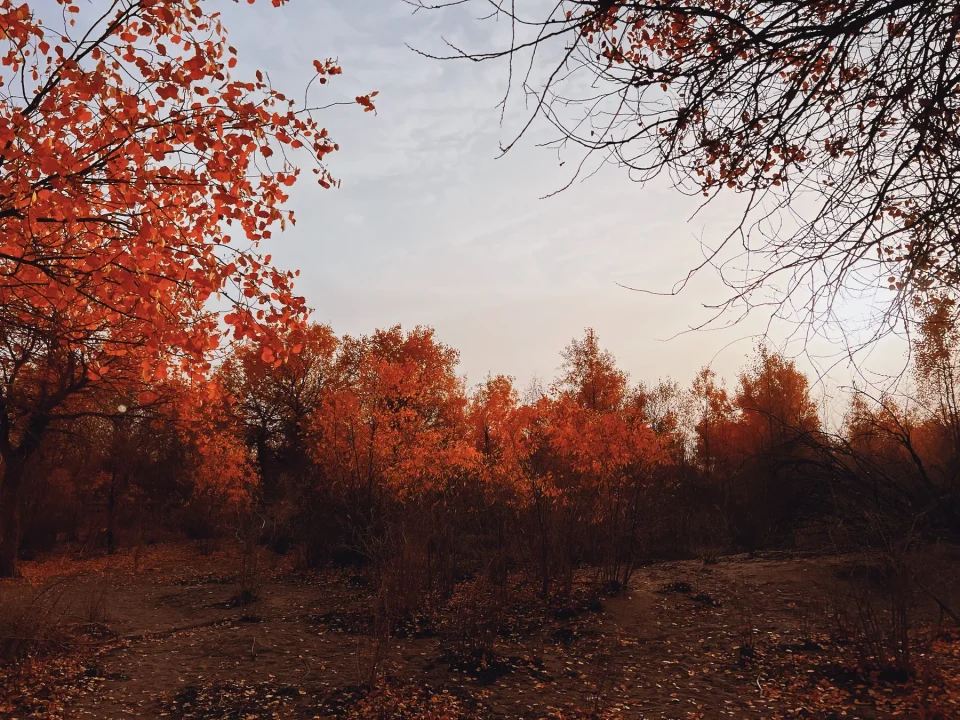
Film simulation: real film looks for any photo
From Portra skin tones to Velvia colour, Lucarne has 20 film stocks and 8 print papers that work on any photo, and you can keep adjusting the result. Free.
-
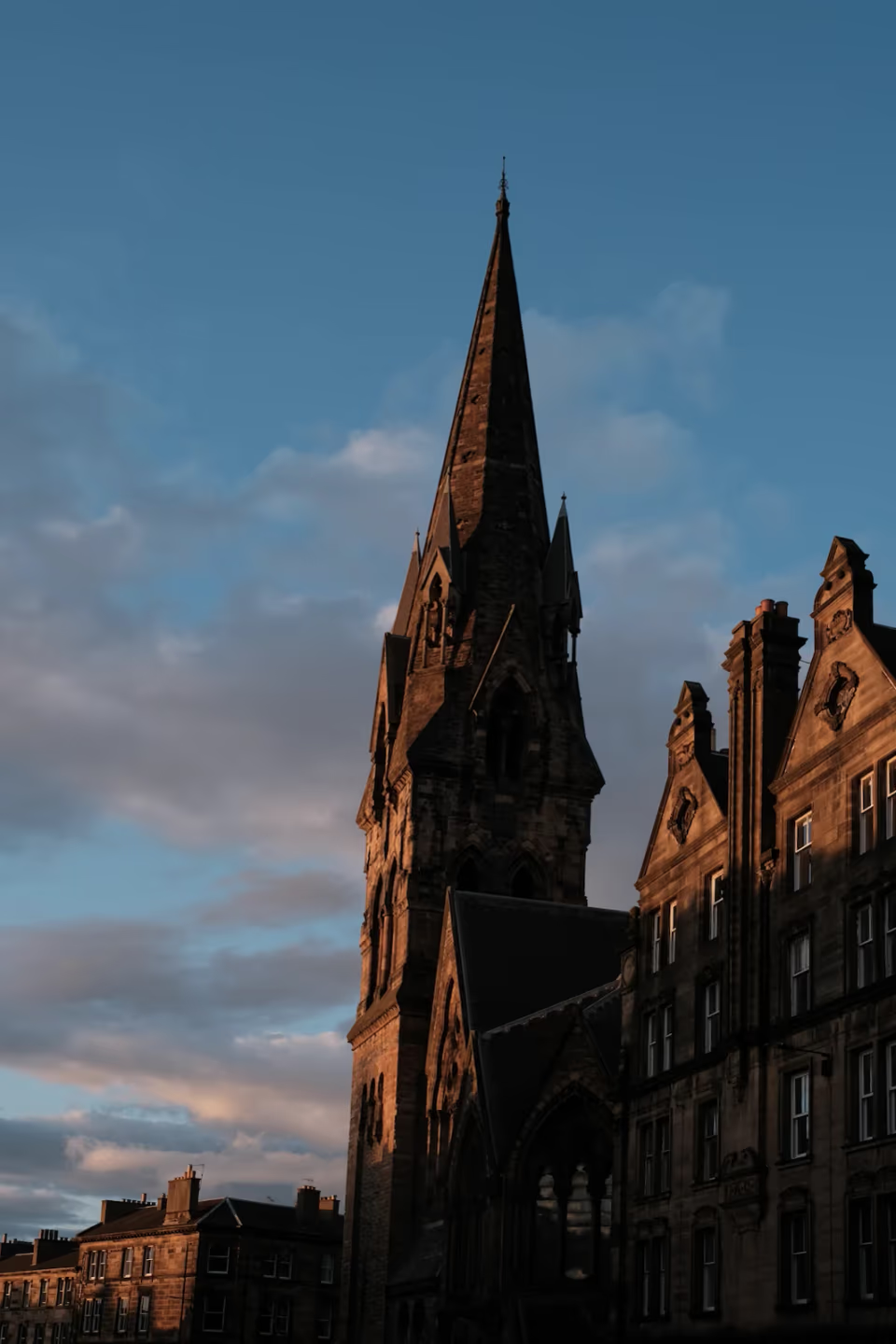
How to straighten buildings in your photos
Buildings leaning back when you shoot upward? That's perspective. Fix it in a few steps with Lucarne's lens corrections, perspective, and crop. Lucarne is a free photo editor for the Mac.
-
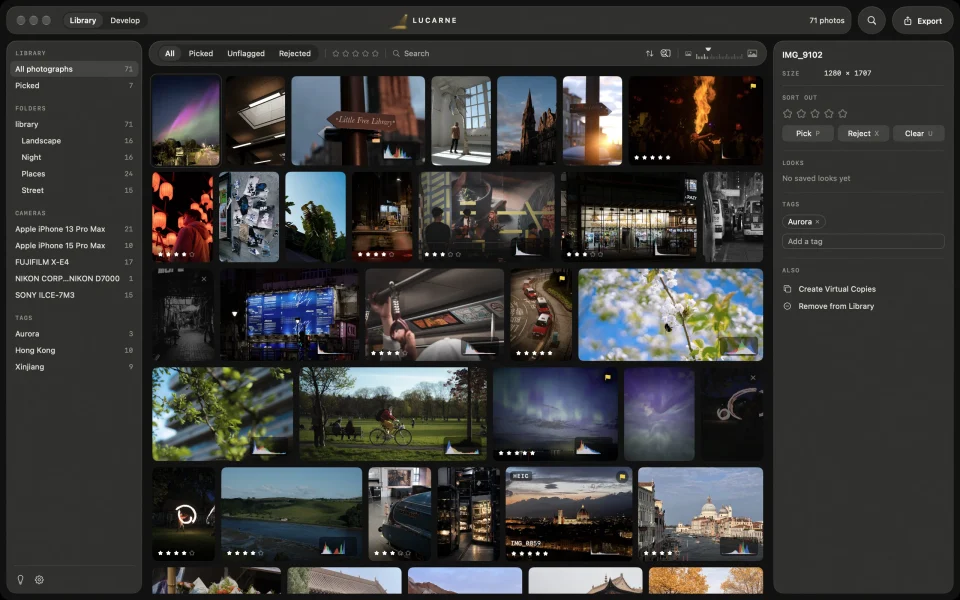
How to organise thousands of photos on a Mac
Years of photos across folders and drives, and you can never find the one you want? Add your folders to Lucarne's library without moving your photos, then rate, filter, search, and edit. Free.
-
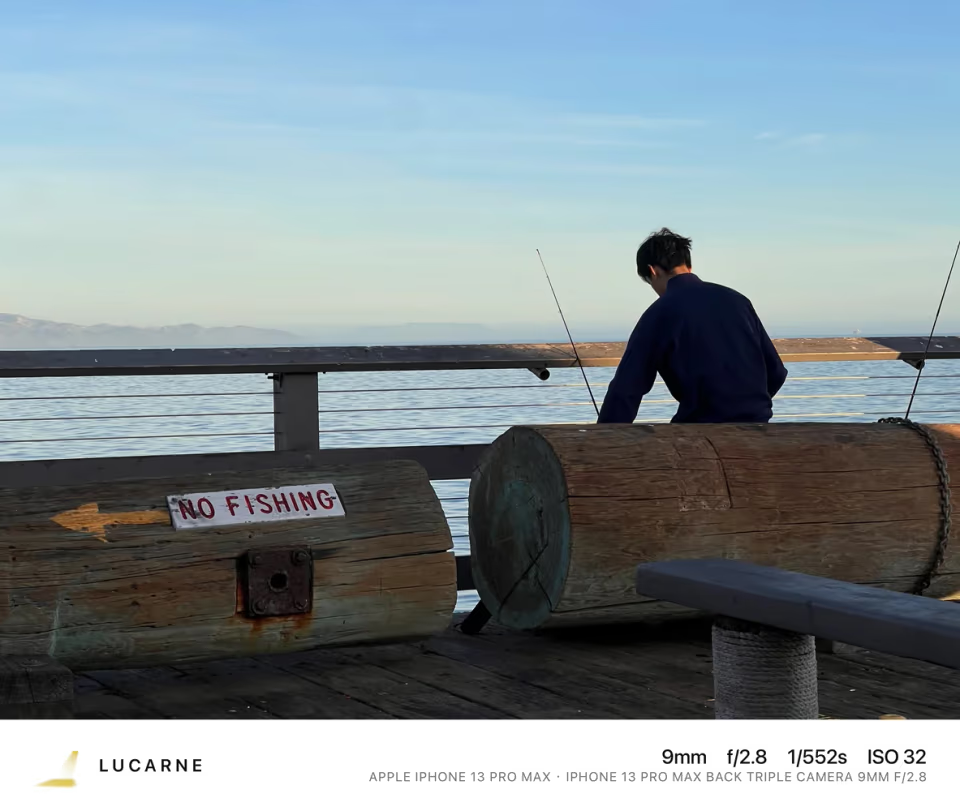
How to cull a shoot fast
Back from a shoot with hundreds of photos? Cull in three passes — reject, pick, rate. Lucarne shows every photo uncropped at any size, then lets you edit the keepers straight away. Free.
-
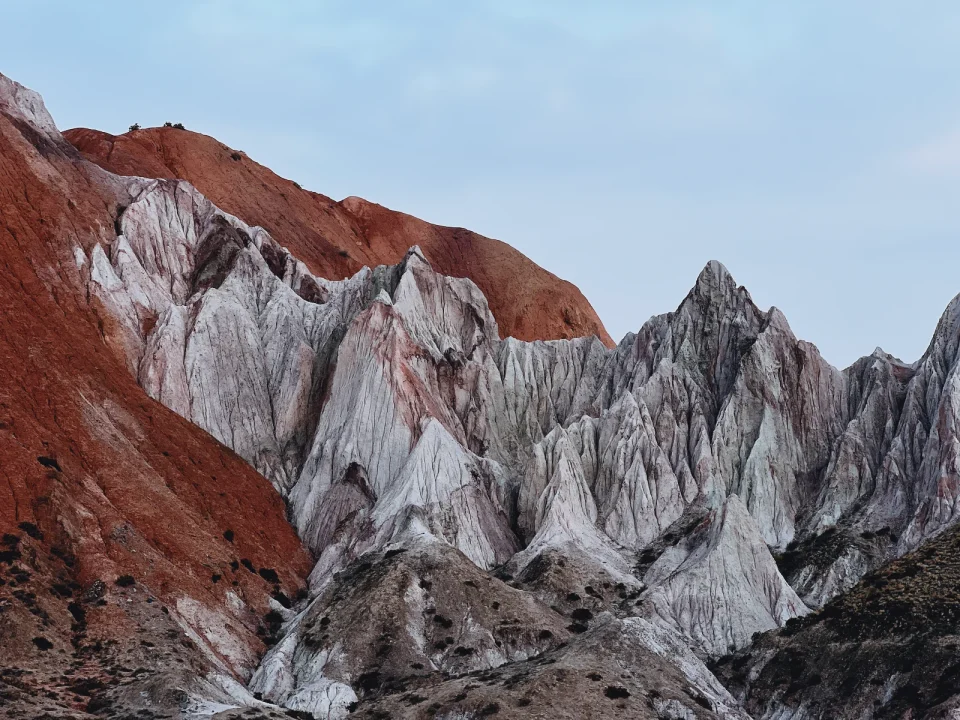
How to edit many photos at once
Edit one photo in Lucarne, then apply its settings to the rest of the set with a Look, copy and paste, or sync. AI selections are redone for each photo. Free.
-
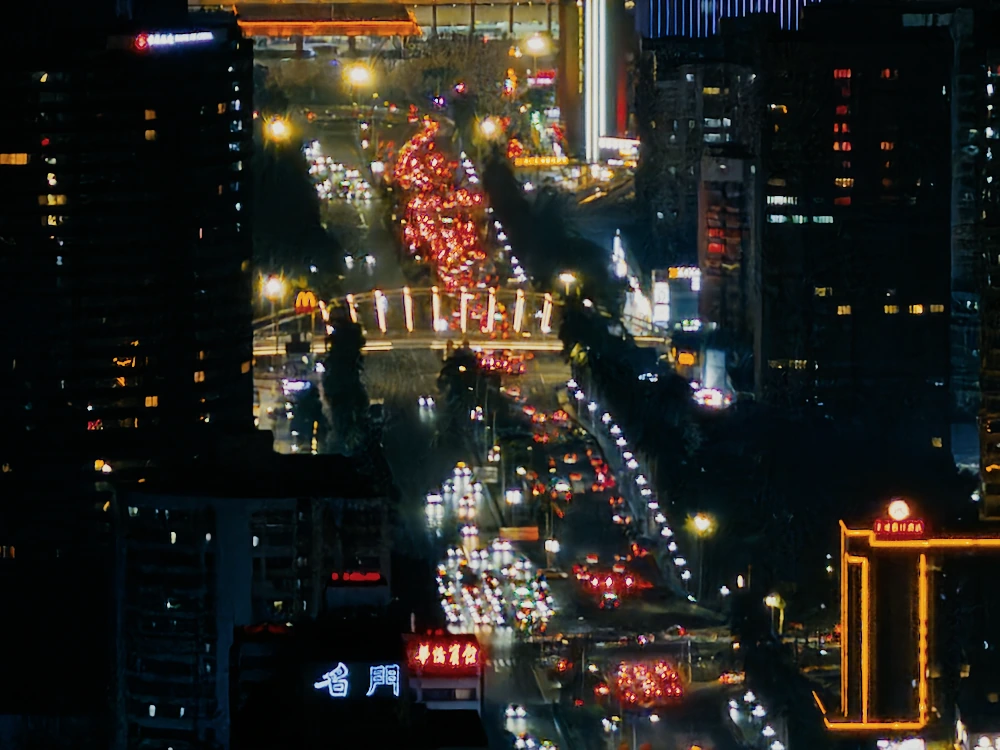
Edit HDR photos on your Mac
Your camera captured more light than a standard photo can show, and your Mac's screen can show it. Lucarne edits in HDR from the RAW to the export, and its HDR photos look right on any screen. Free.
-
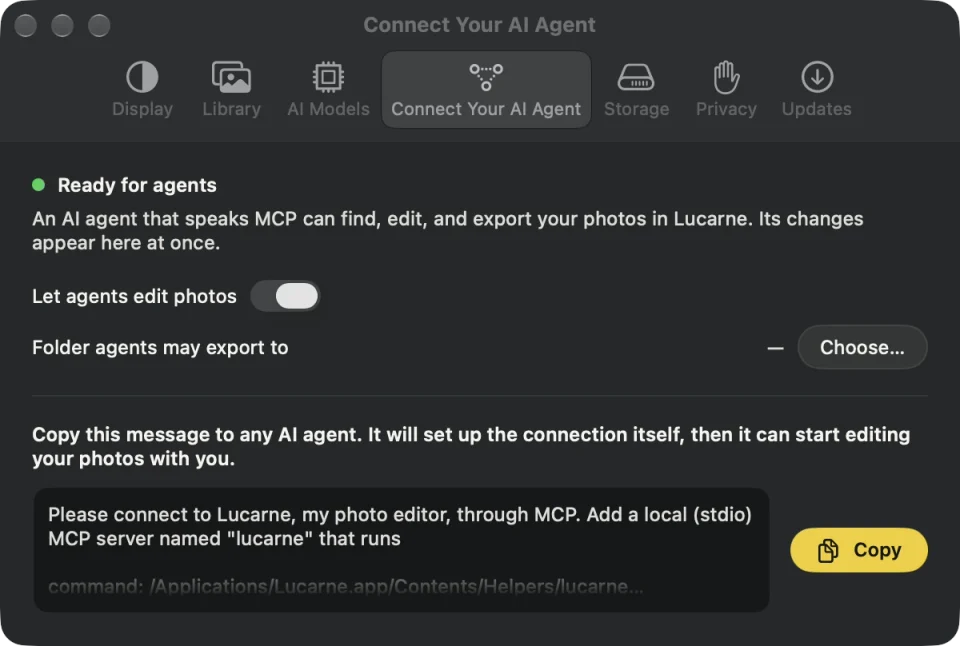
What is MCP? A photographer's guide
MCP lets an AI assistant use the apps on your computer, not just answer questions. For photographers, it means an assistant that can work in your photo editor. Lucarne has an MCP server built in, and it's free.