
A free Lightroom alternative for the Mac
Lucarne is a free photo editor for the Mac that does what most photographers use Lightroom for: a library, RAW editing, local adjustments, AI noise reduction and removal. It’s simpler to learn, and its AI features are also free and run on your Mac.
Everything you use Lightroom for
Import and library
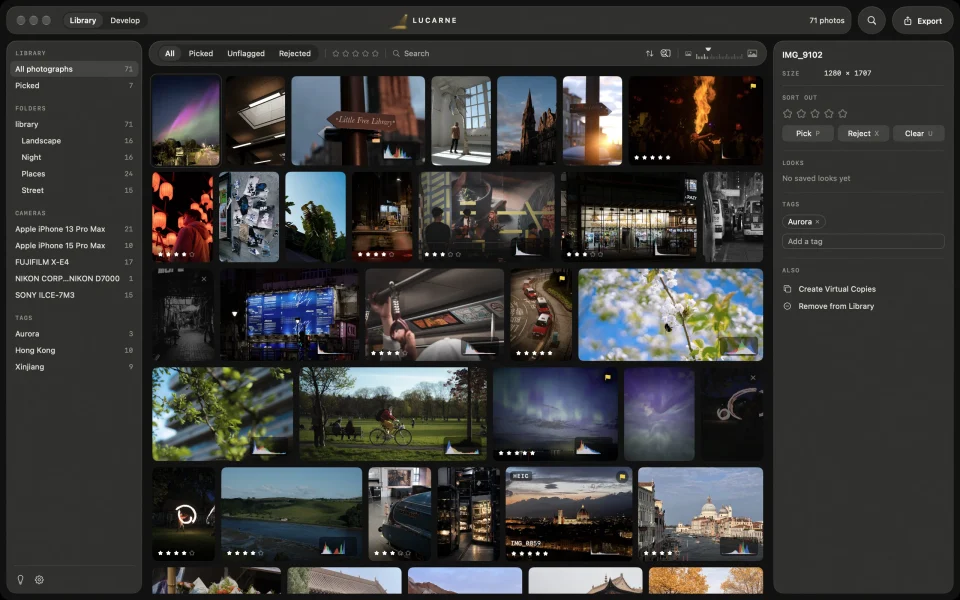
Add the folders where your photos are. They stay where they are — nothing is copied or moved — and new photos in those folders show up on their own. RAW+JPEG pairs appear as one photo. Rate, pick, reject, and tag, then filter by rating, flag, camera, or tag. Even with thousands of photos, it’s easy to find your way around.
Light and colour
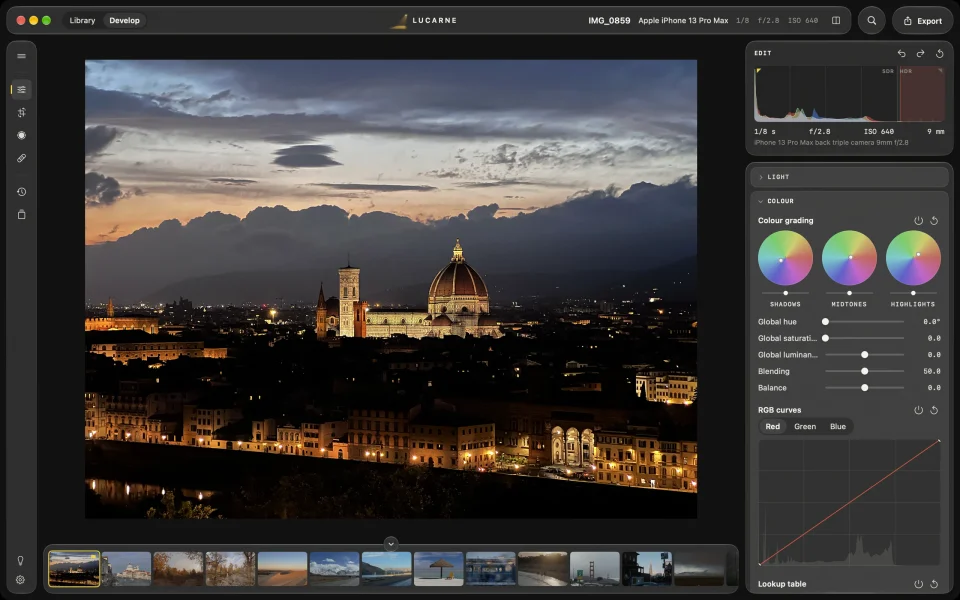
White balance with a picker, exposure, tone, curves, HSL, colour grading, dehaze — everything you need, in the order you work.
Local adjustments
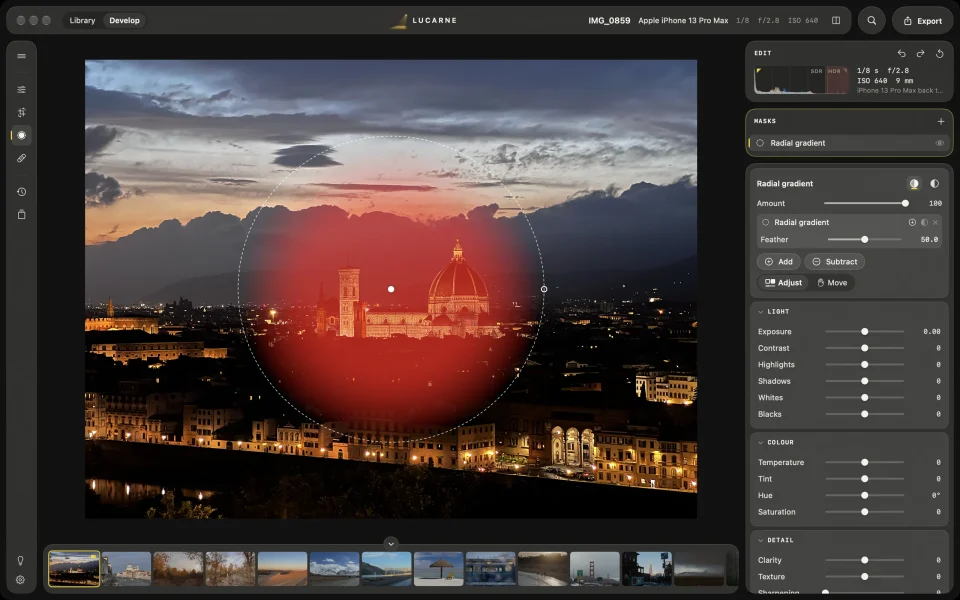
Select the subject, people, sky, or ground with AI in one click, or use gradients, a brush, and colour and luminance ranges. Add and subtract them to adjust exactly the part you want.
Retouching and AI
Heal, clone, and AI removal take out what doesn’t belong. AI noise reduction cleans up high-ISO photos, and super-resolution doubles a photo’s size. All of it runs on your Mac.


Looks
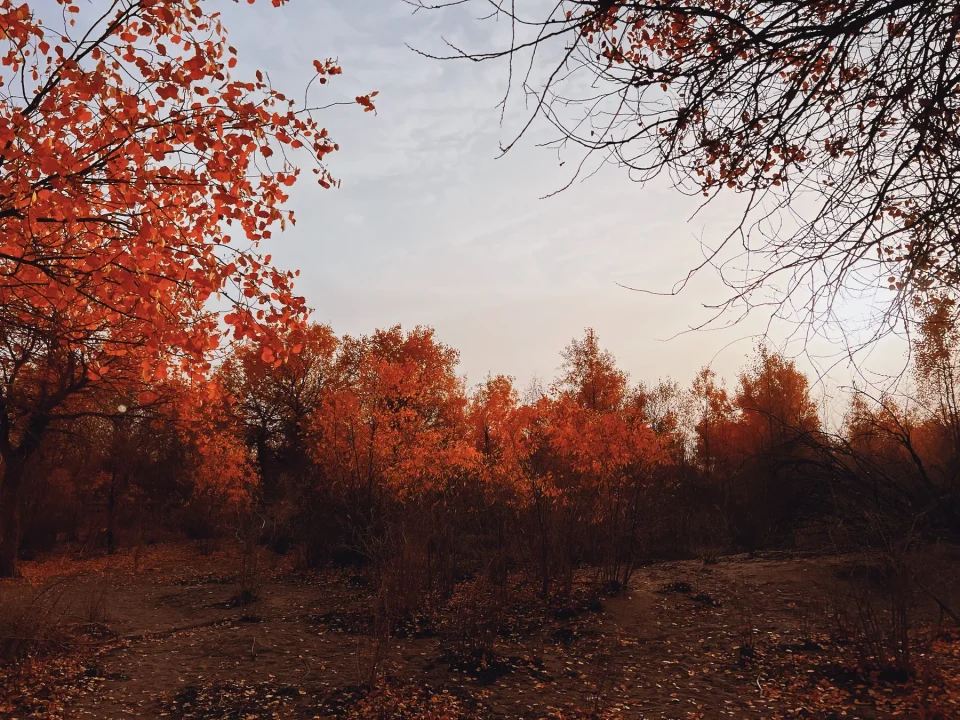
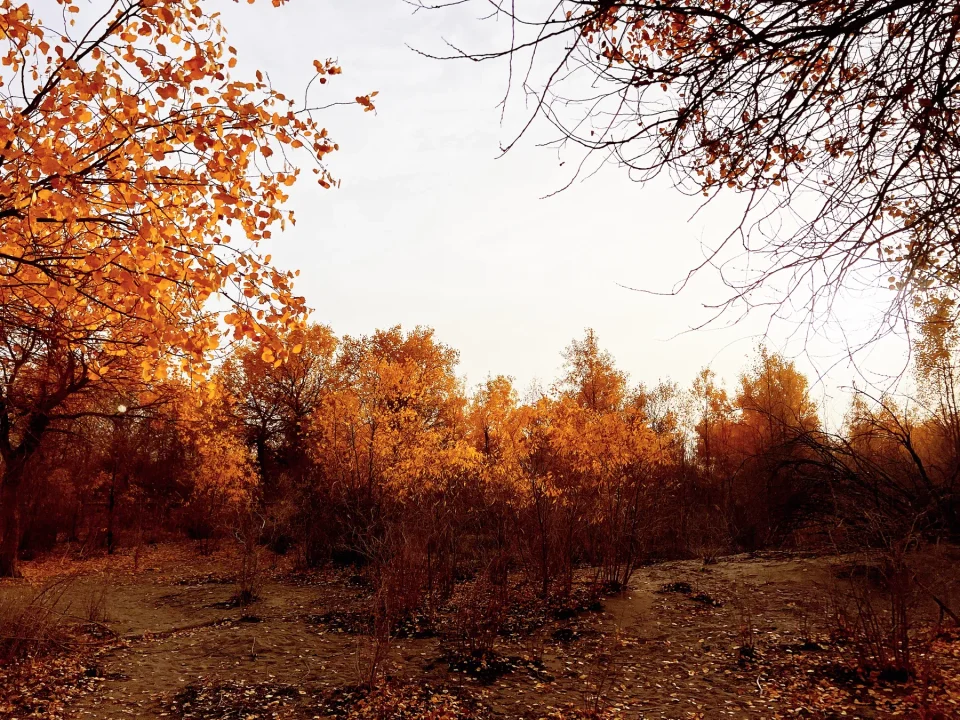
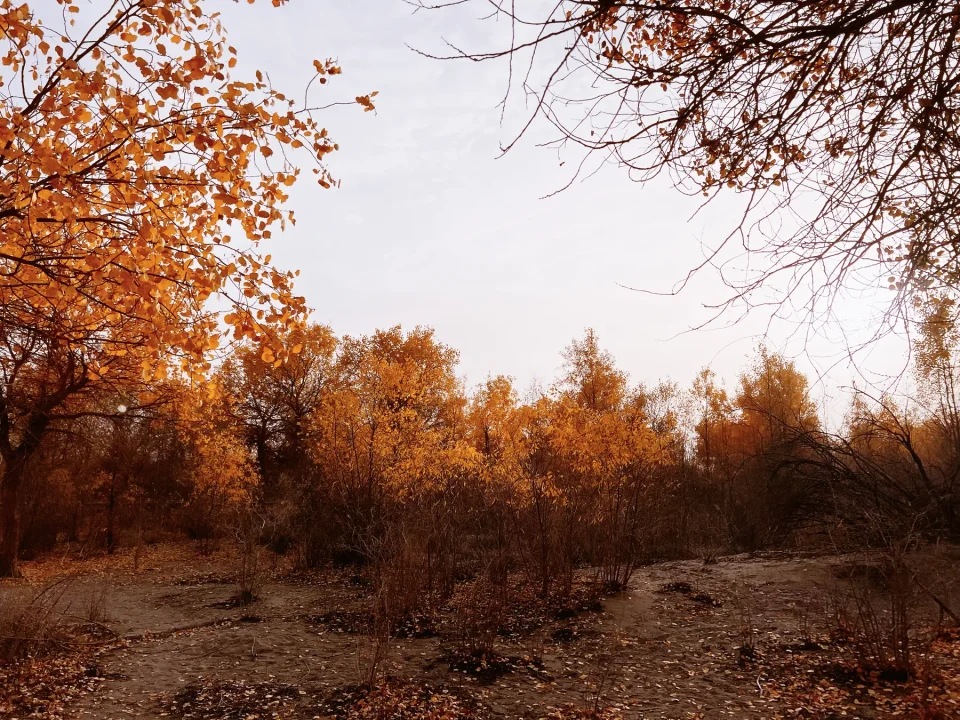
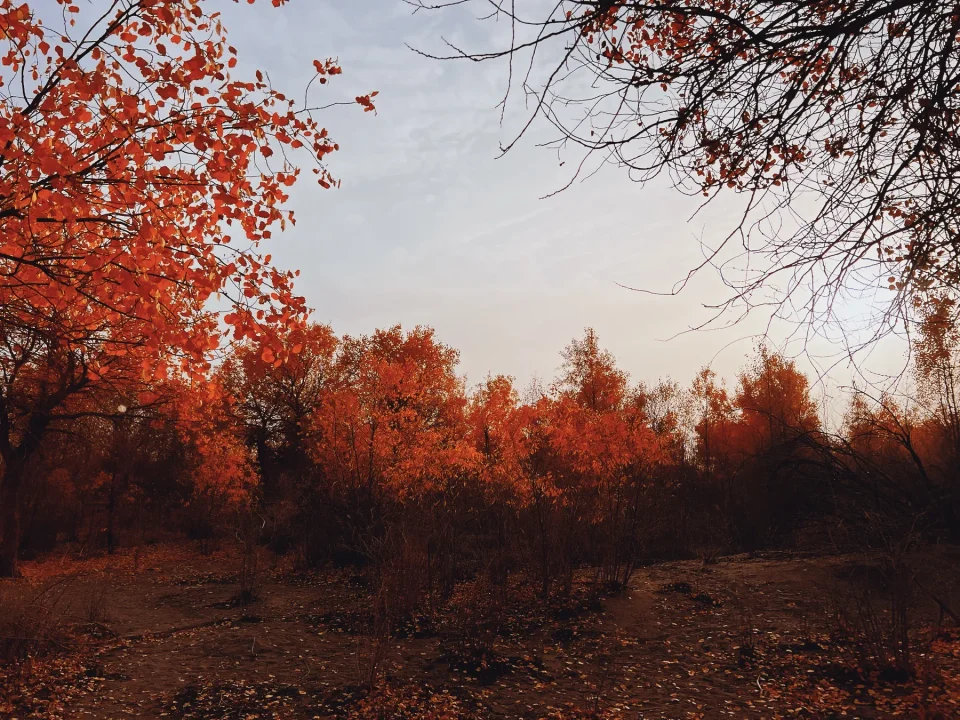
Save an edit as a Look and use it on any photo. Film simulation has 20 film stocks and 8 print papers, and you can import your own LUTs.
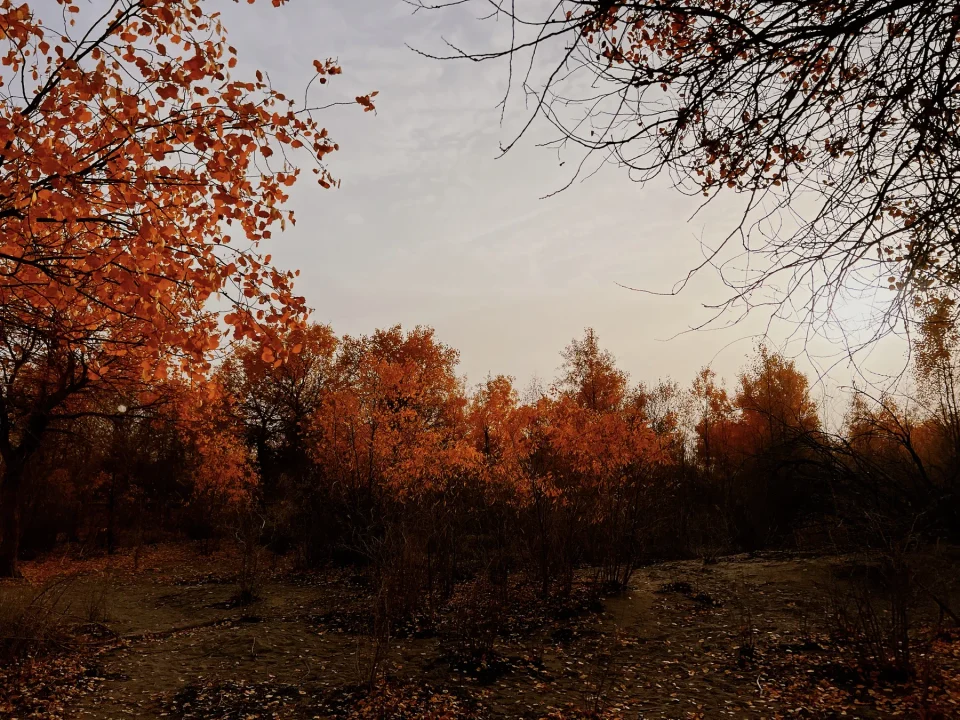
Many photos at once
Edit one photo, then give its settings to the rest: apply a Look, copy and paste settings, or sync a selection.
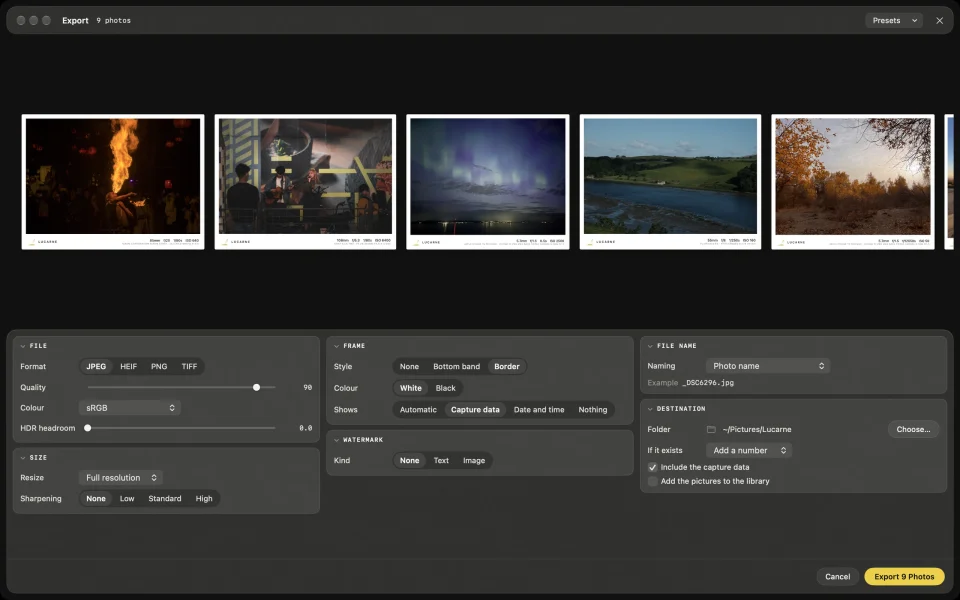
Export
Export JPEG, HEIF, TIFF, or PNG, keep HDR if you like, add a frame or a watermark, and save your favourite settings as export presets.
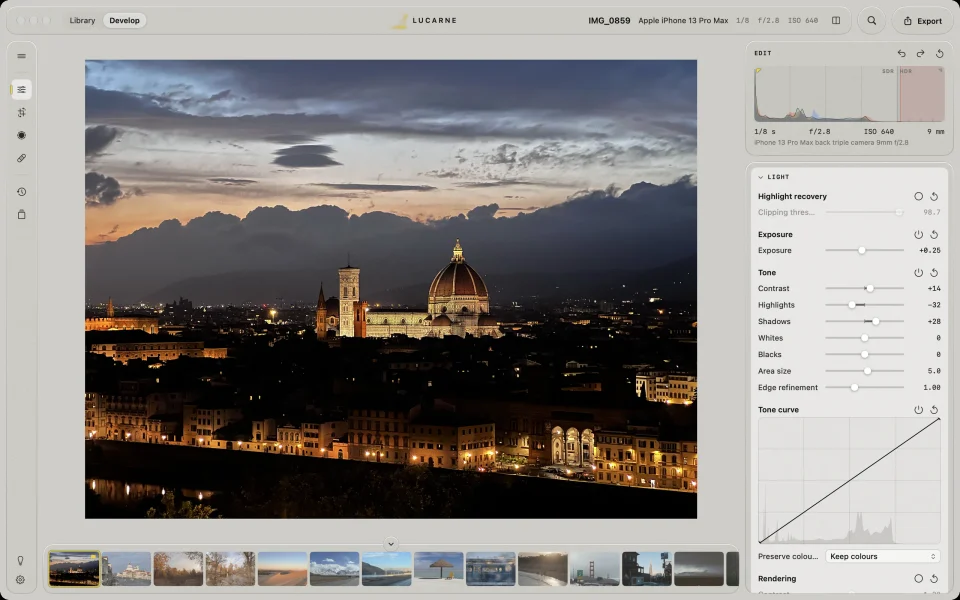
Easier to use
Lucarne is designed for today’s Mac: one window with two workspaces, library and develop; tools where you expect them; and a command palette that finds any action when you can’t remember where it lives. A Night and a Day appearance, to suit how you work. It has the depth of a professional editor without the clutter, and you can start editing the first time you open it.
Side by side
| Lightroom Classic | Lucarne | |
|---|---|---|
| Price | Subscription, from $11.99 a month (Lightroom plan) | Free |
| Library | Yes | Yes |
| RAW editing | Yes | Yes |
| Masks and AI selections | Yes | Yes |
| AI noise reduction | On your computer | On your Mac |
| AI removal | Generative Remove needs the internet | On your Mac |
| Film looks | Profiles and presets | 20 film stocks, 8 papers |
| HDR editing and export | Yes | Yes |
| Working with AI assistants | Through cloud connectors | Built-in MCP server, on your Mac |
| Platforms | Mac, Windows, phones, with cloud sync | Made for the Mac |
Other free options
- darktable: a deep RAW editor that recently added optional local AI; its interface and concepts take time to learn.
- RawTherapee: excellent at detailed RAW processing; no library, one photo at a time.
- Apple Photos: built in and great for keeping photos; its editing tools are fairly basic.
- digiKam: a powerful photo manager with limited editing.
Lucarne brings these strengths together: a full library, professional editing, AI that runs on your Mac, and a clean, simple app.
Switch in three steps
- Download and open Lucarne.
- Add the folders where you keep your photos. They stay where they are.
- Start culling and editing.
Questions
- Is Lucarne really free?
- Yes. The library, editing, AI features, and export are all free to use.
- Are the AI features free too?
- Yes. AI noise reduction, removal, super-resolution, and AI selections run on your Mac at no extra cost.
- Which Macs does it run on?
- Macs with Apple silicon, running macOS 26 or later.
- Which cameras does it support?
- RAW files from major cameras, including Sony, Fujifilm, Nikon, and Canon, plus JPEG, HEIF, TIFF, PNG, and other common formats.