
Film simulation: real film looks for any photo
To give a digital photo the look of film, use film simulation. Lucarne, a free photo editor for the Mac, has 20 film stocks and 8 print papers, made from the manufacturers’ film data. Pick a film for any photo from any camera, then keep adjusting.
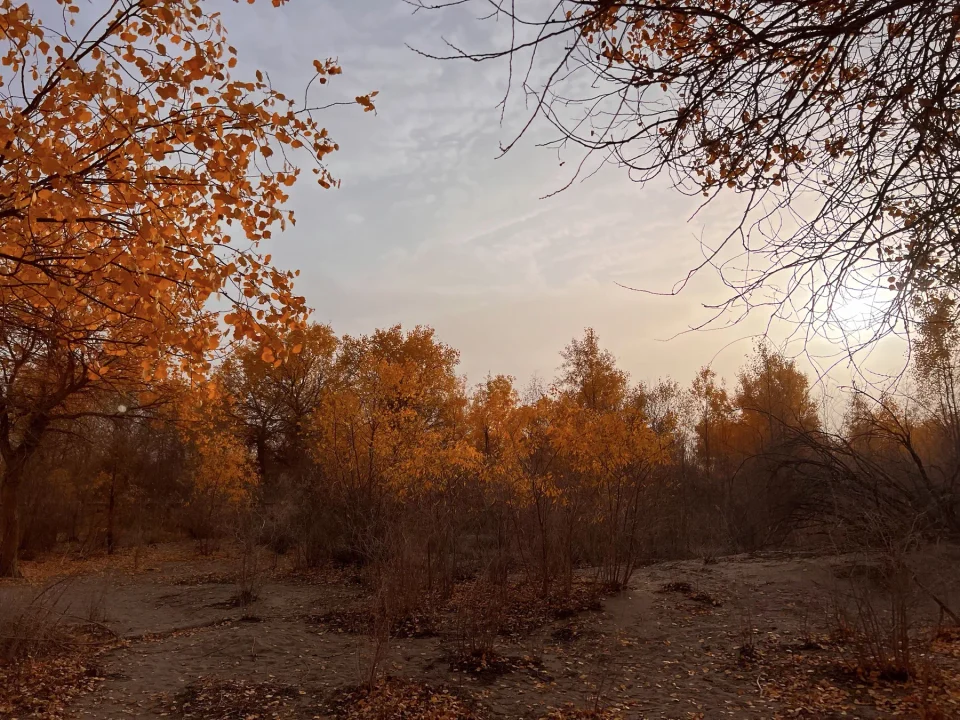
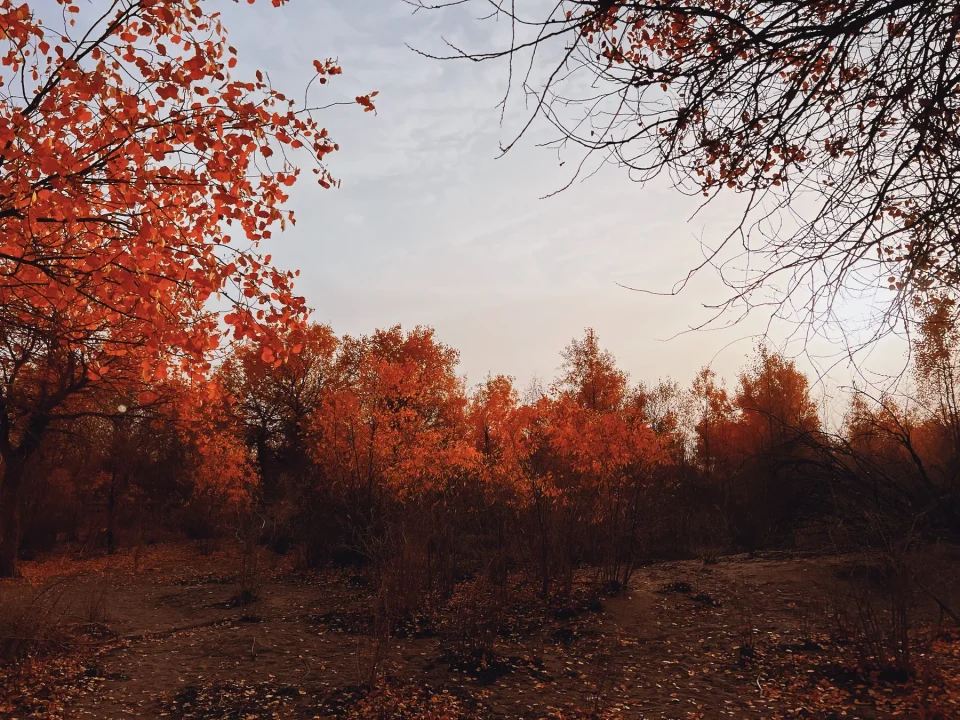
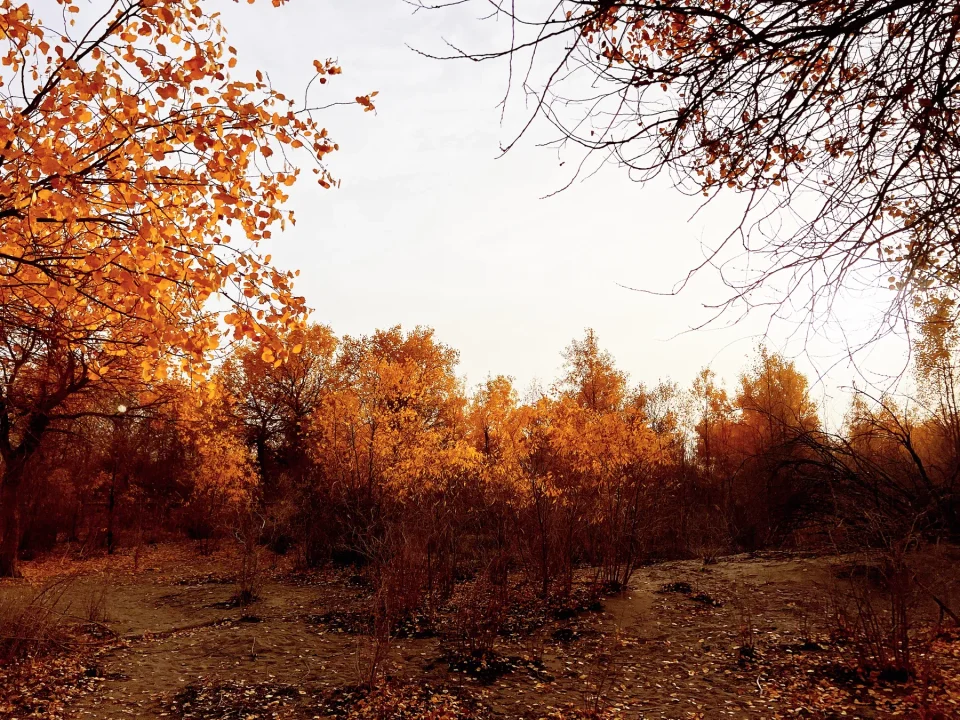
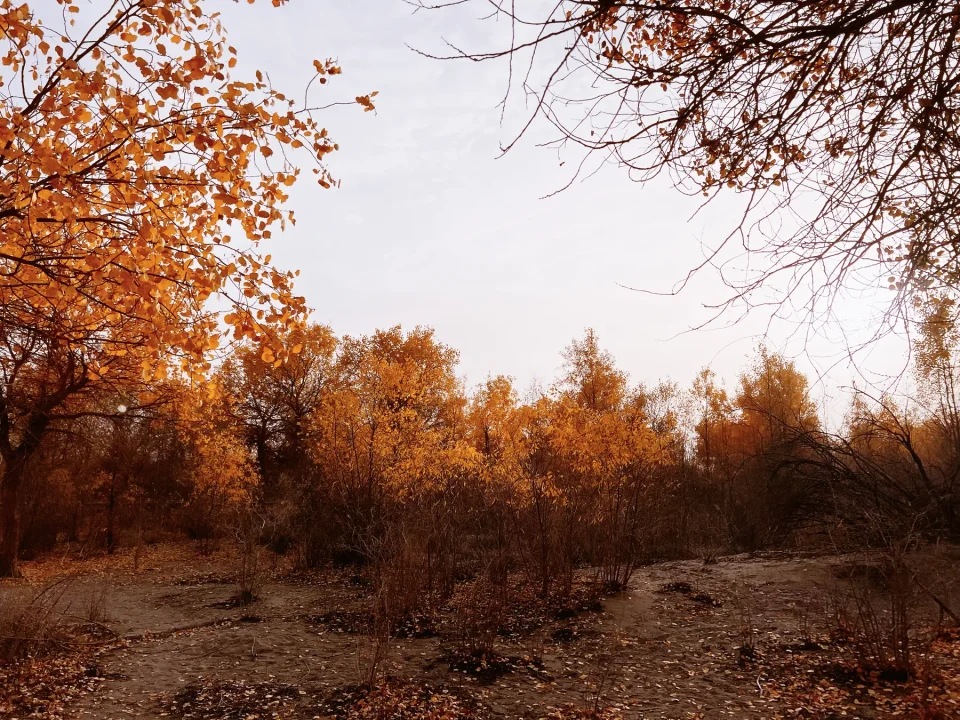
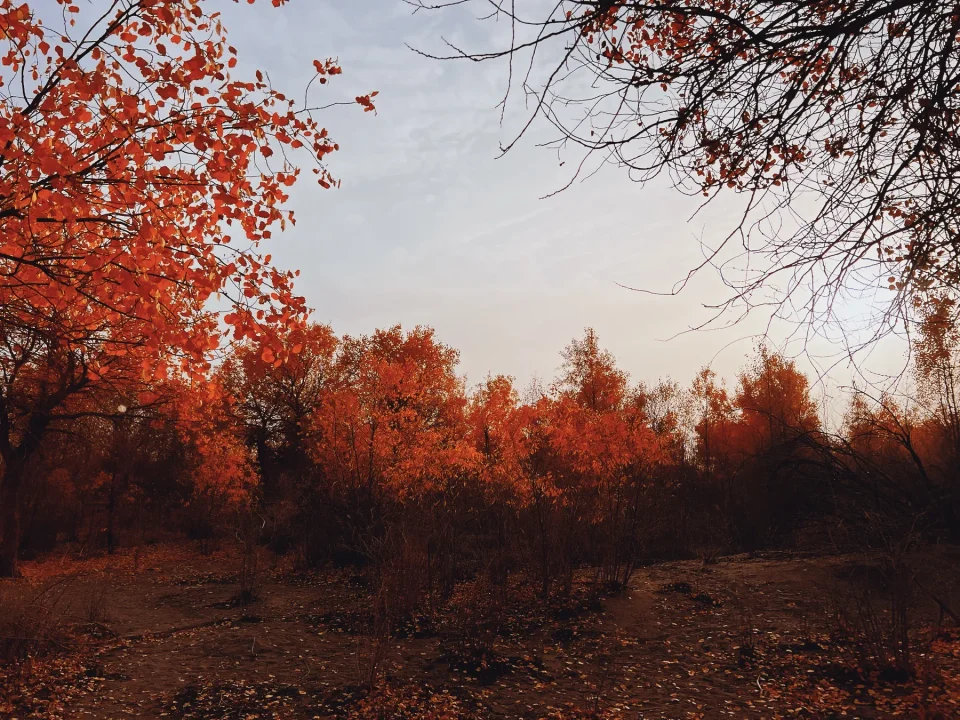
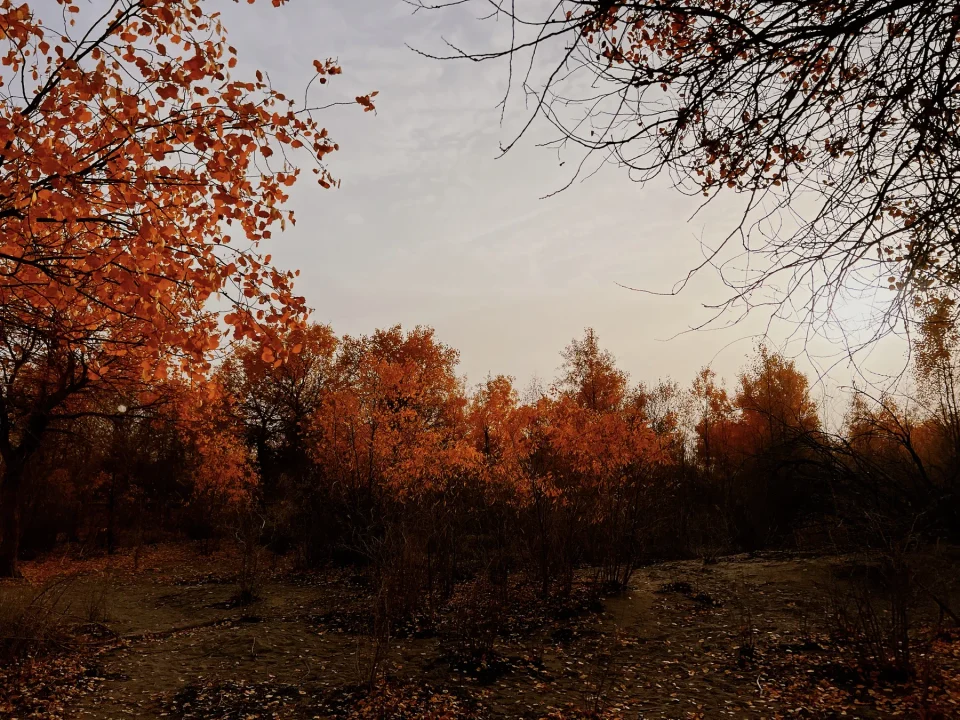
20 films
- Colour negative: Kodak Portra 160, 400, and 800 (also pushed one and two stops), Gold 200, Ultramax 400, Ektar 100, Verita 200D; Fujifilm C200, Pro 400H, X-Tra 400
- Slide: Fujifilm Velvia 100 and Provia 100F; Kodak Ektachrome 100 and Kodachrome 64
- Cinema: Kodak Vision3 50D, 200T, 250D, 500T
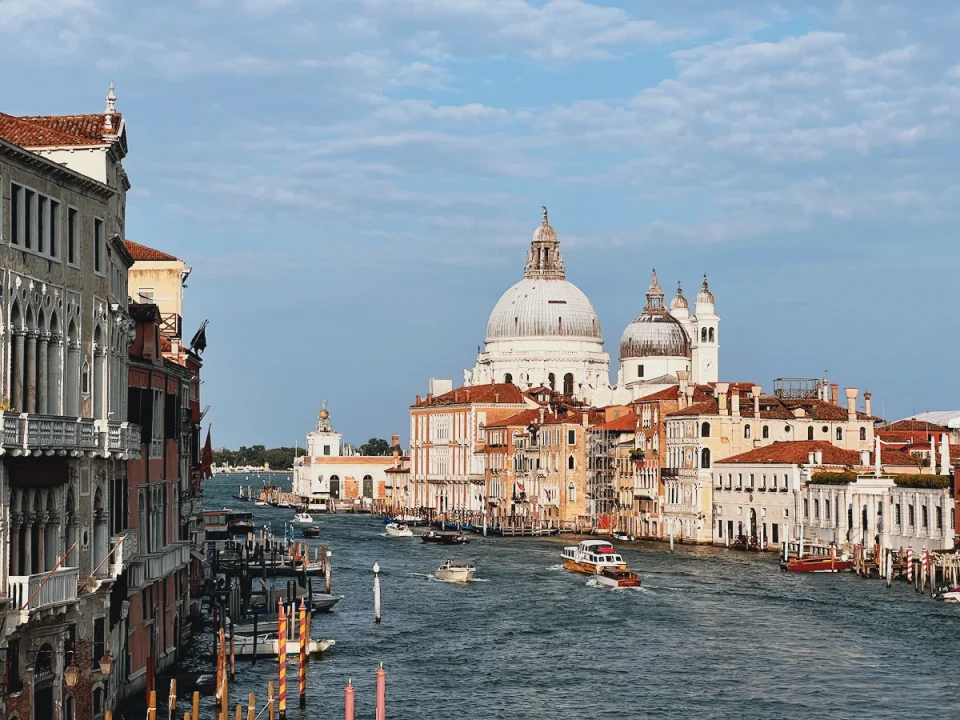 Portra 160
 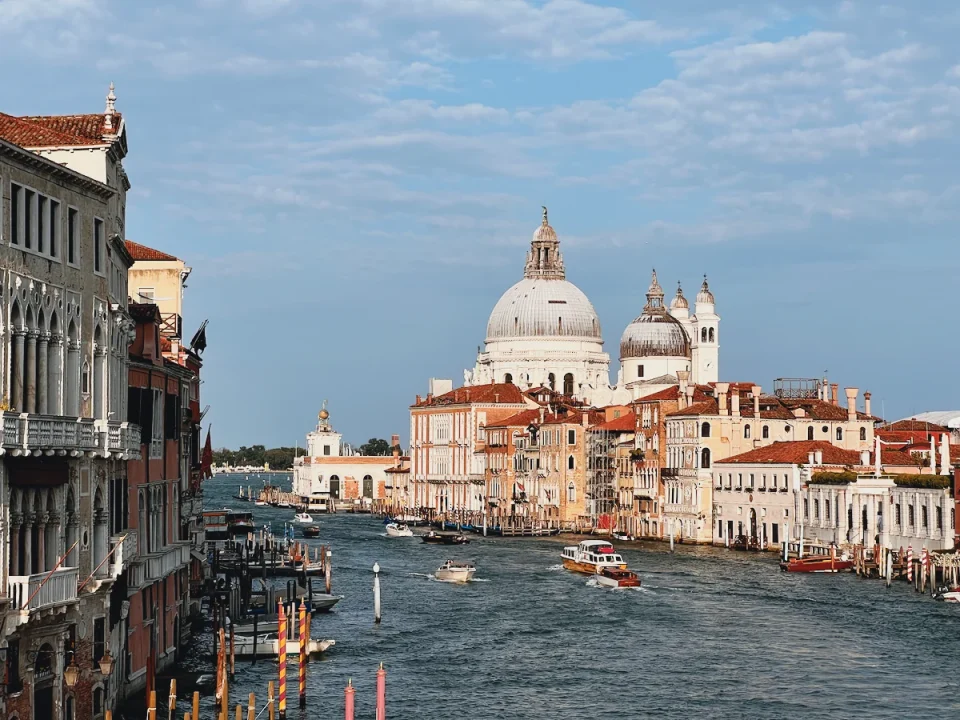 Portra 400
 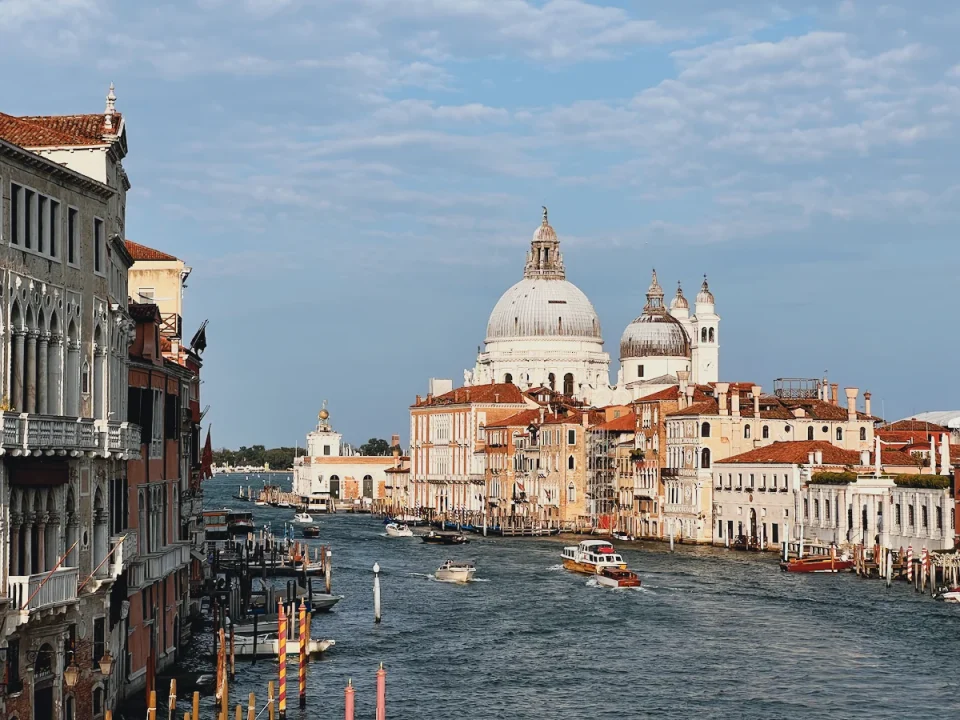 Portra 800
 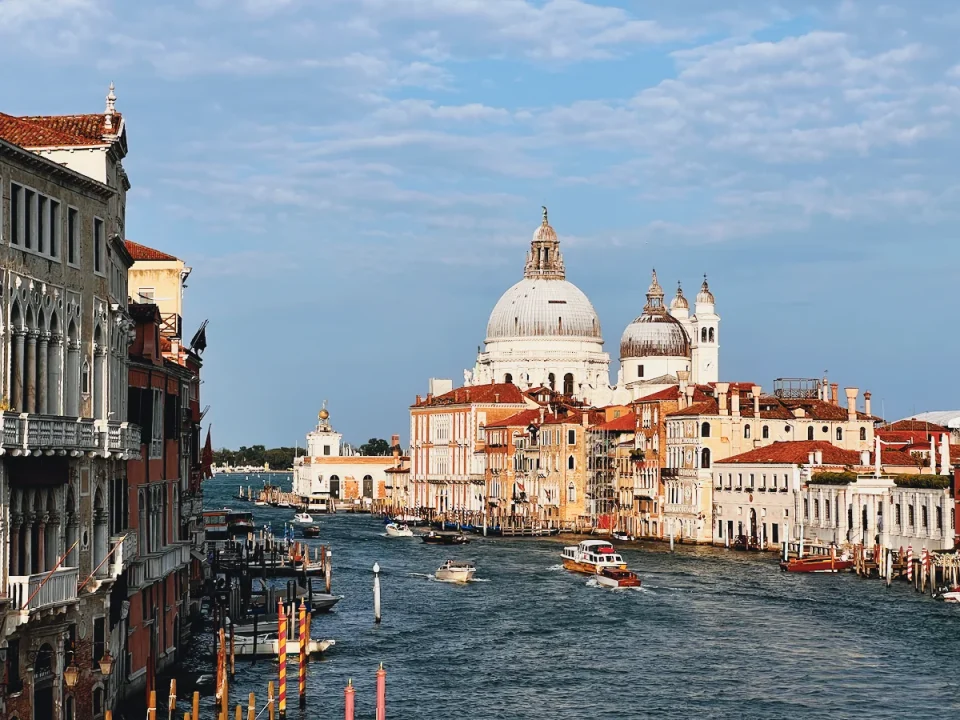 Portra 800 +1
 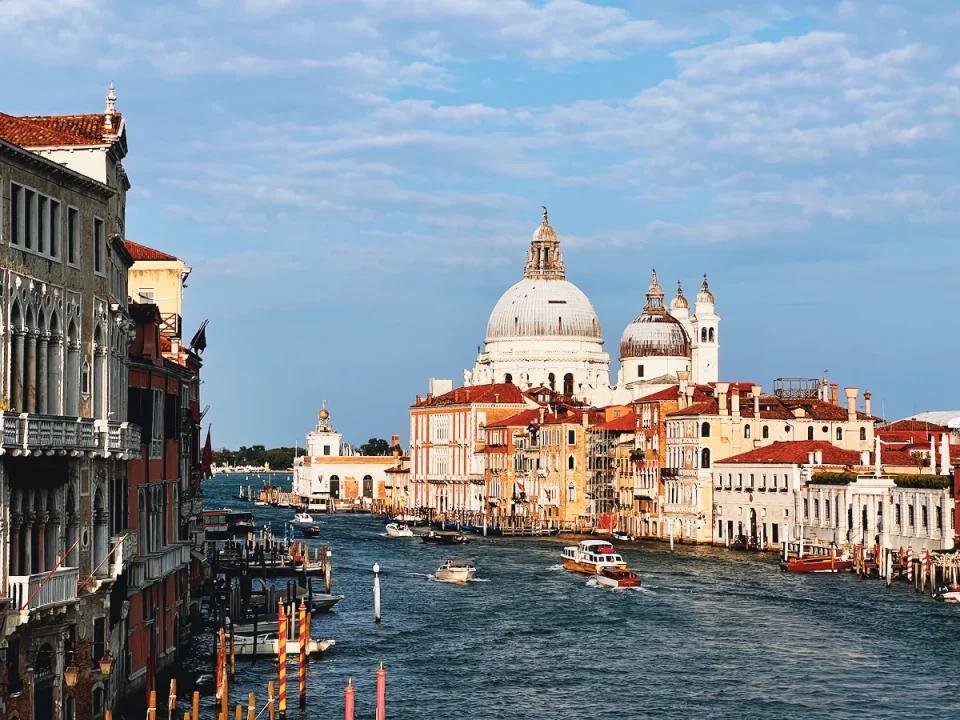 Portra 800 +2
 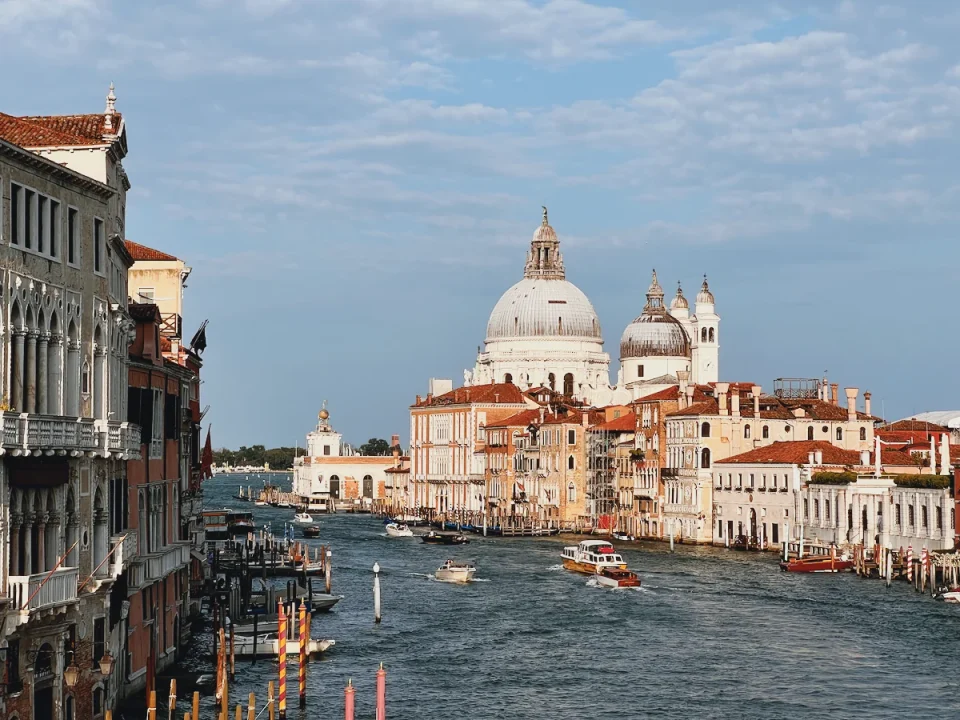 Gold 200
 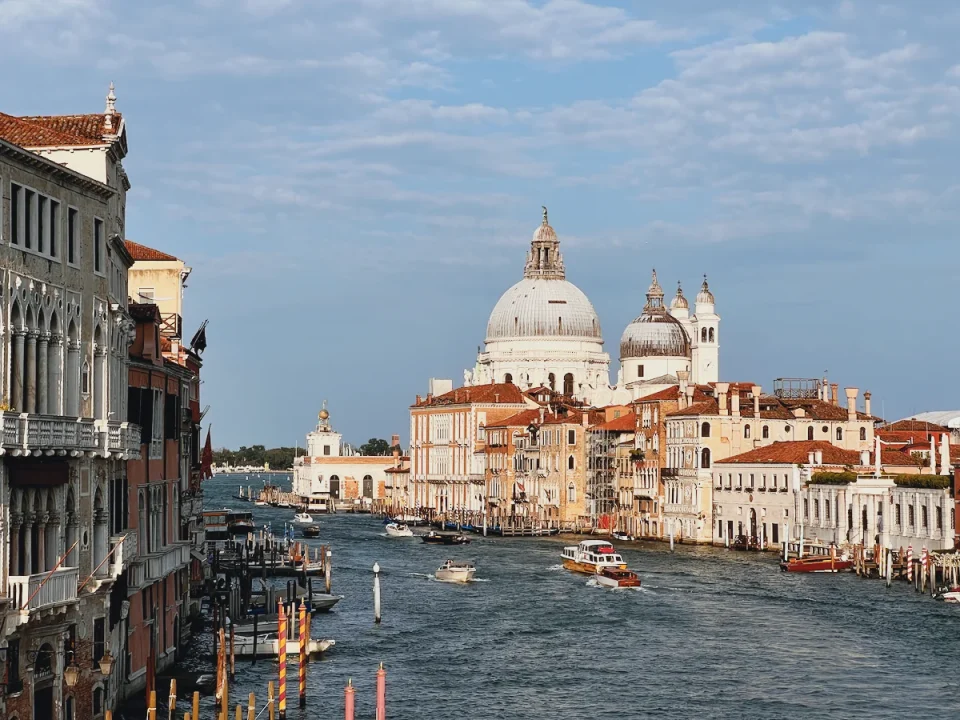 Ultramax 400
 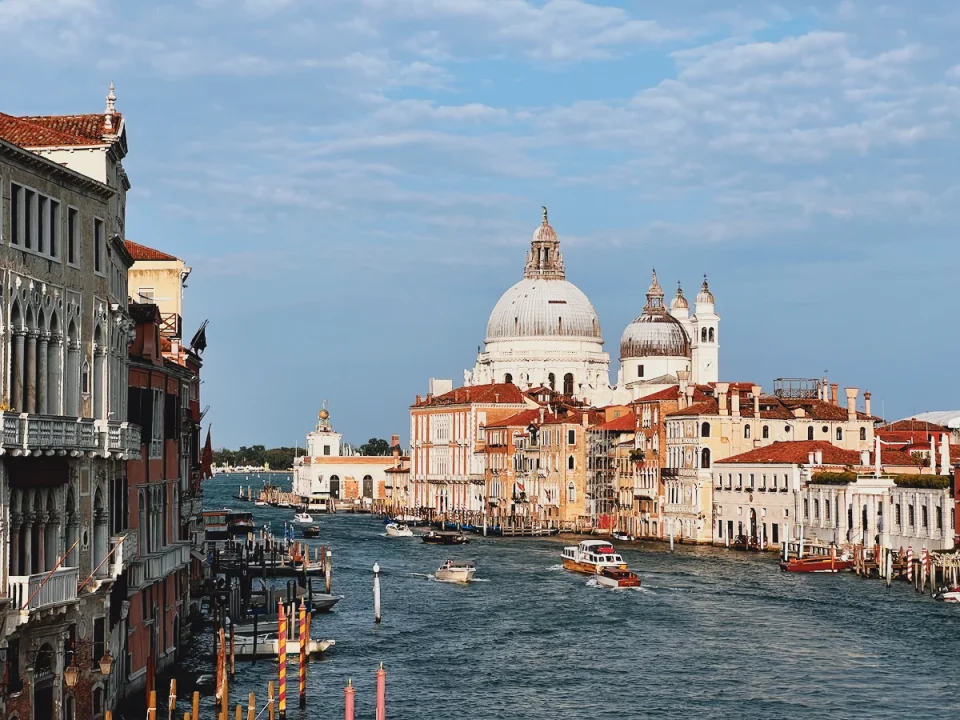 Ektar 100
 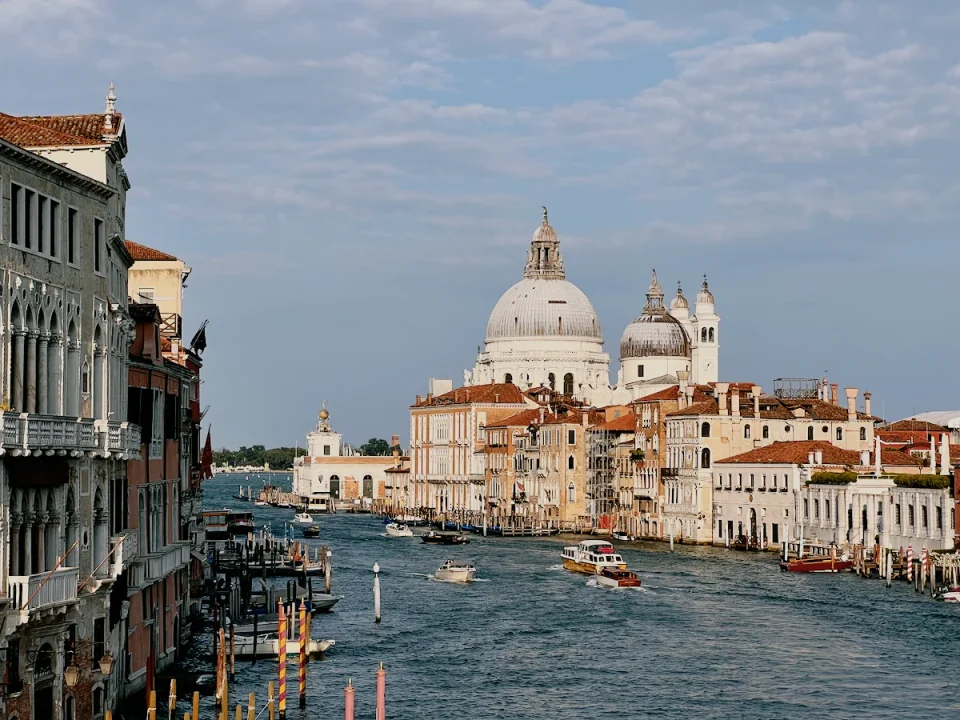 Verita 200D
 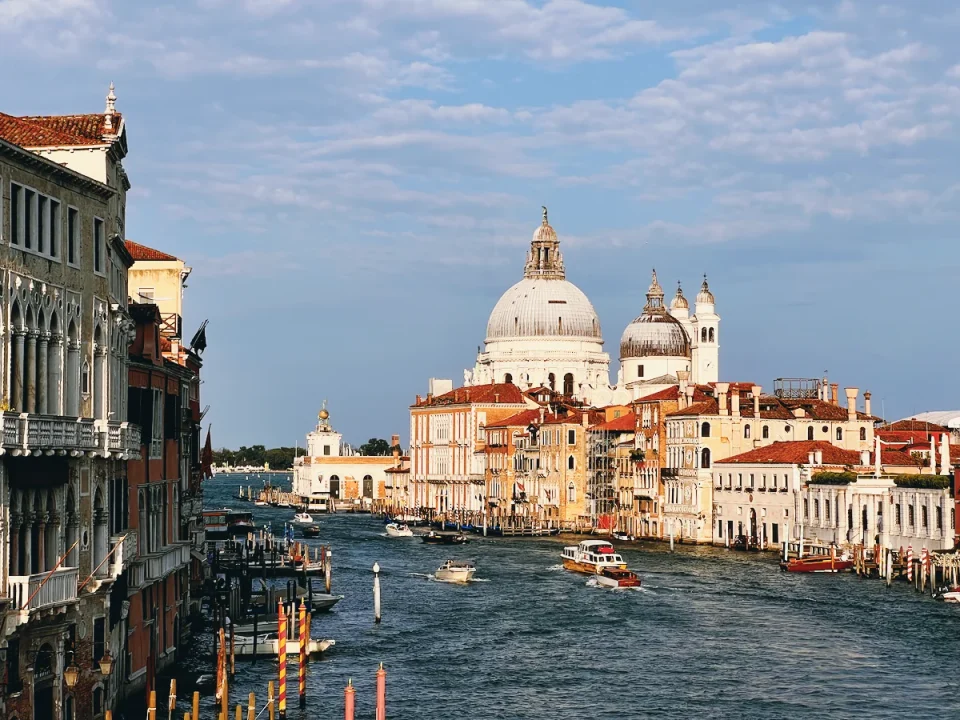 C200
C200 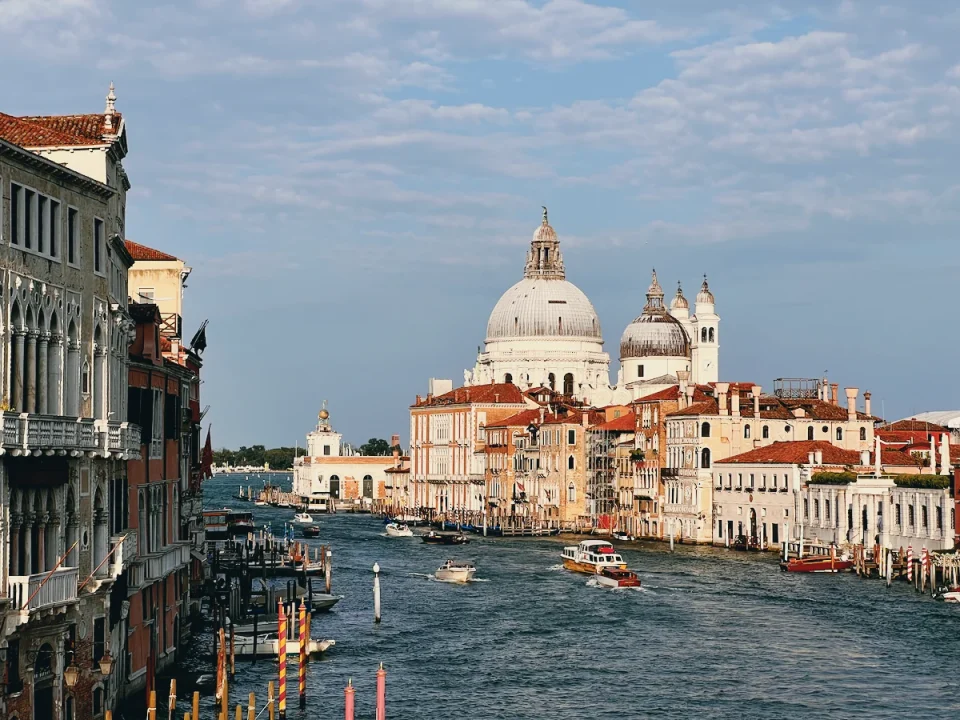 Pro 400H
 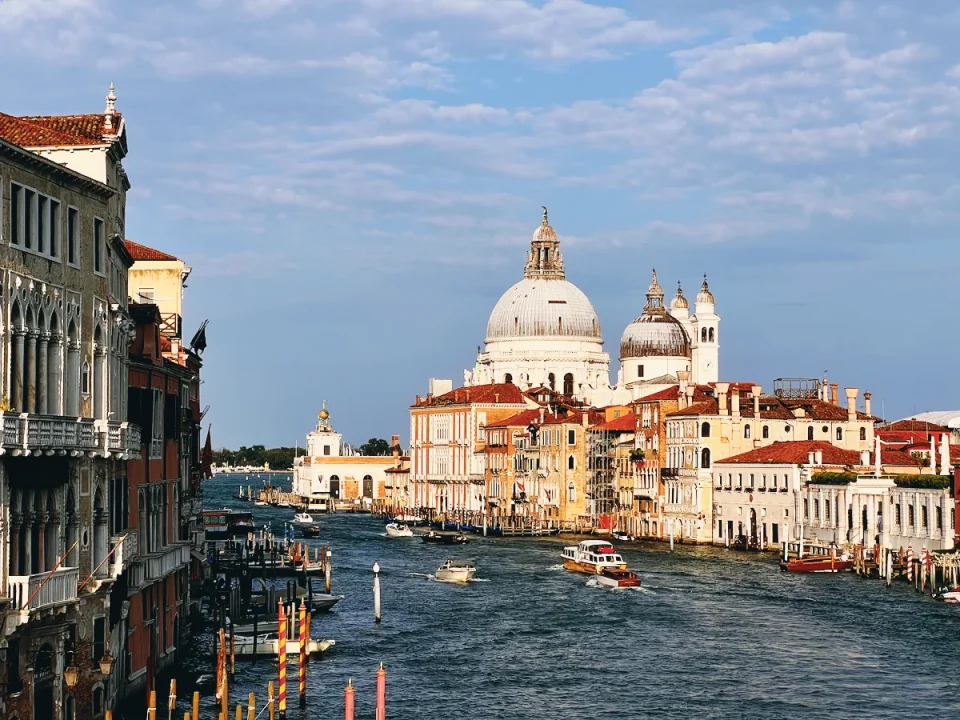 X-Tra 400
 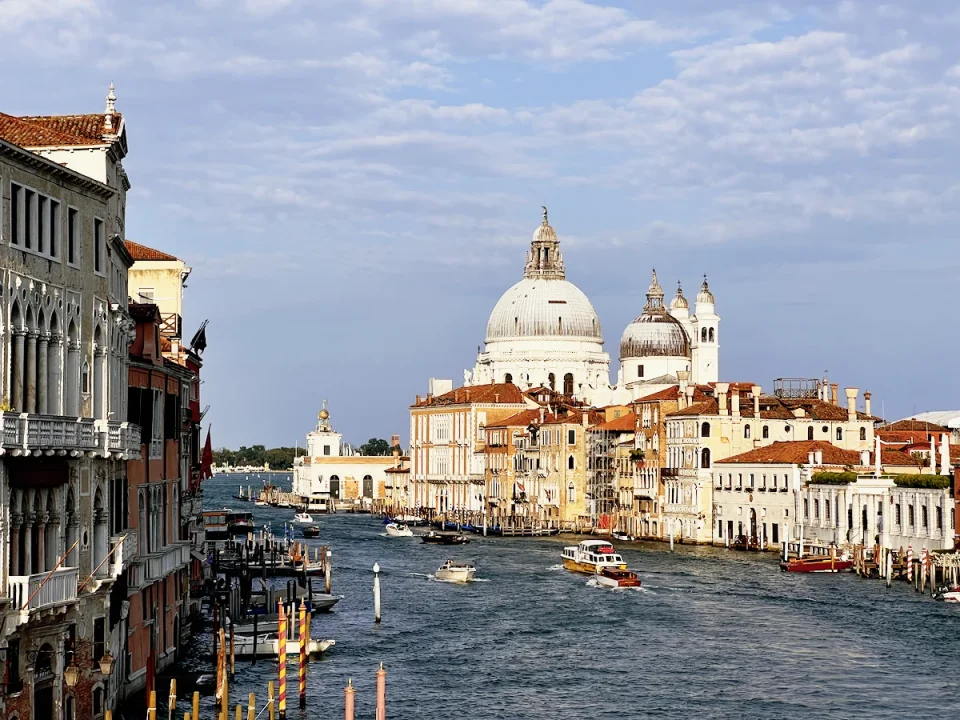 Velvia 100
 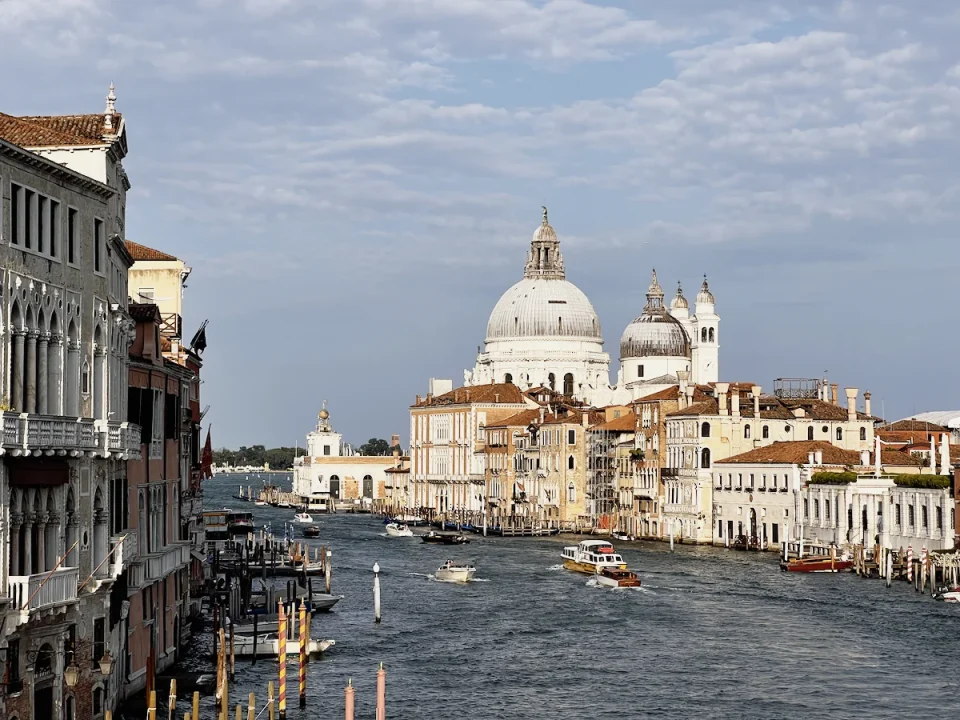 Provia 100F
 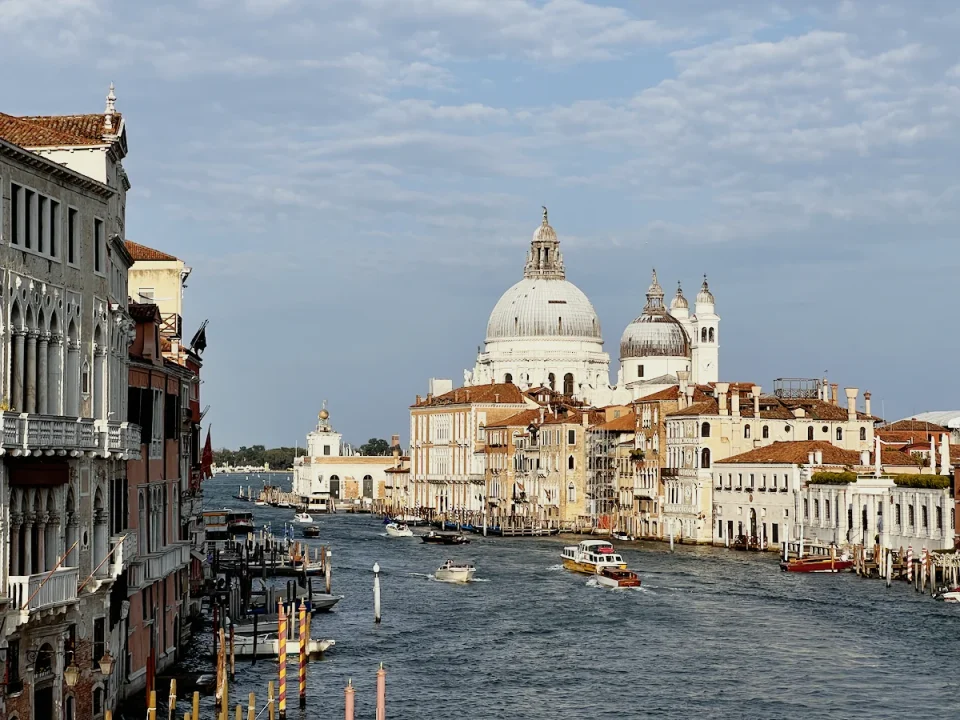 Ektachrome 100
 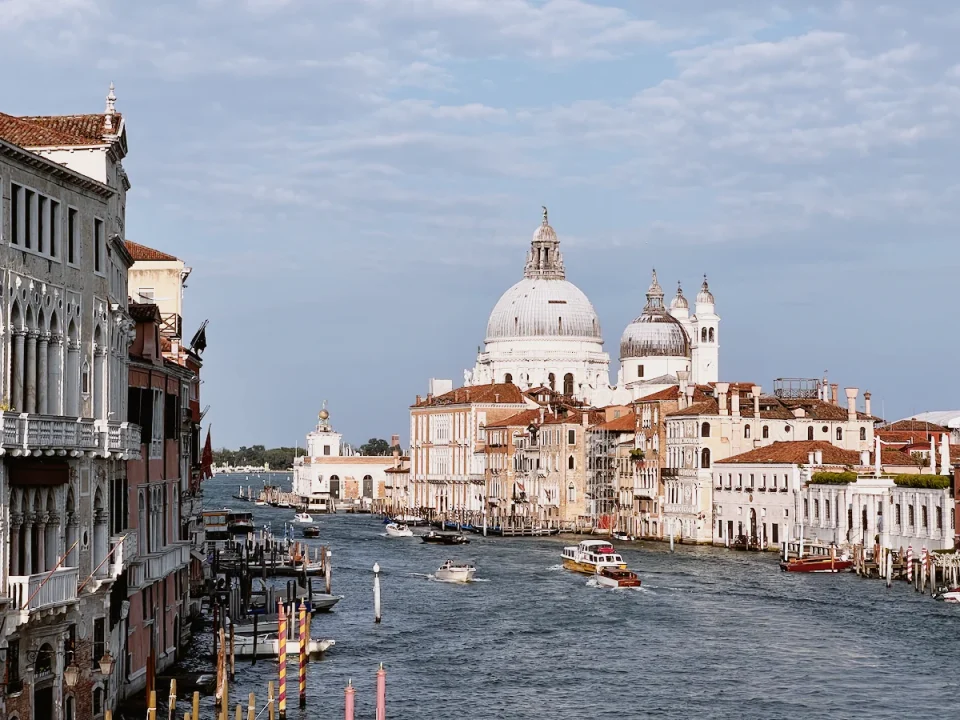 Kodachrome 64
 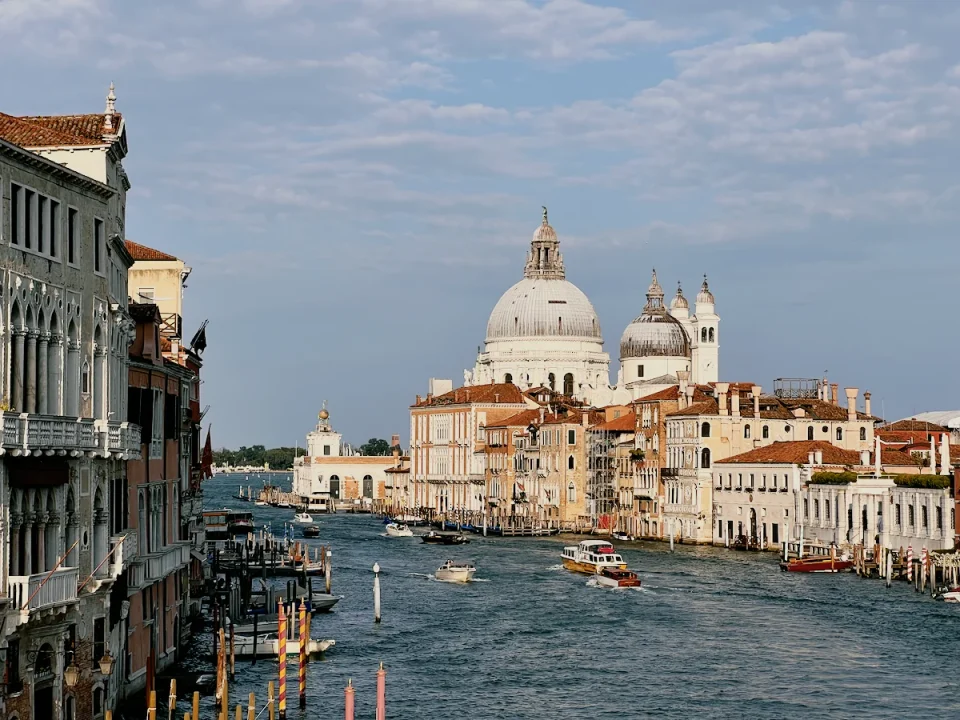 Vision3 50D
 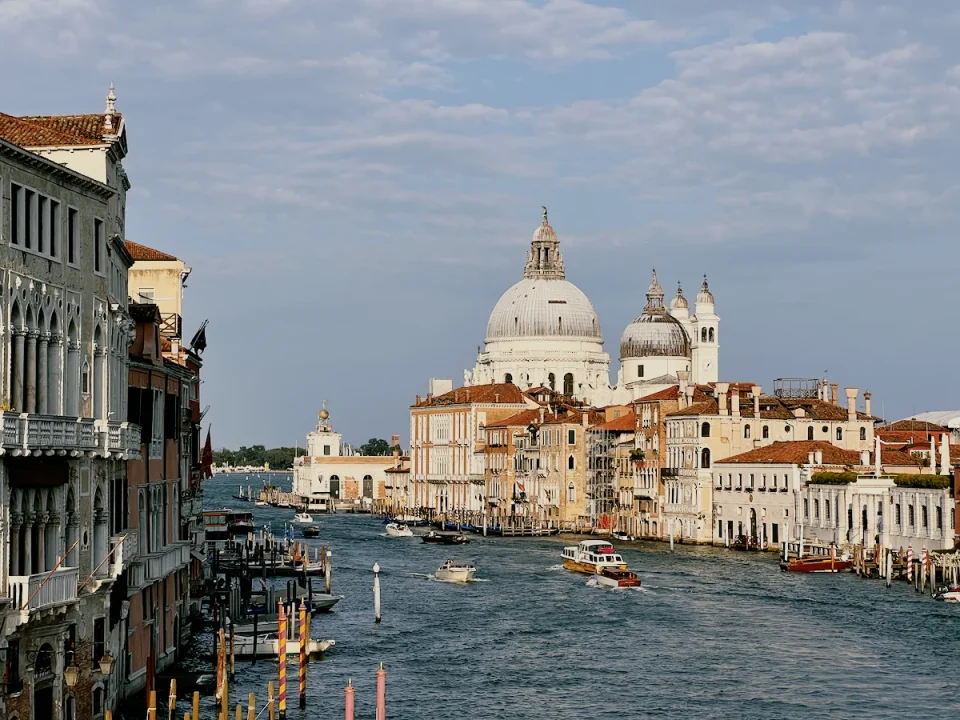 Vision3 200T
 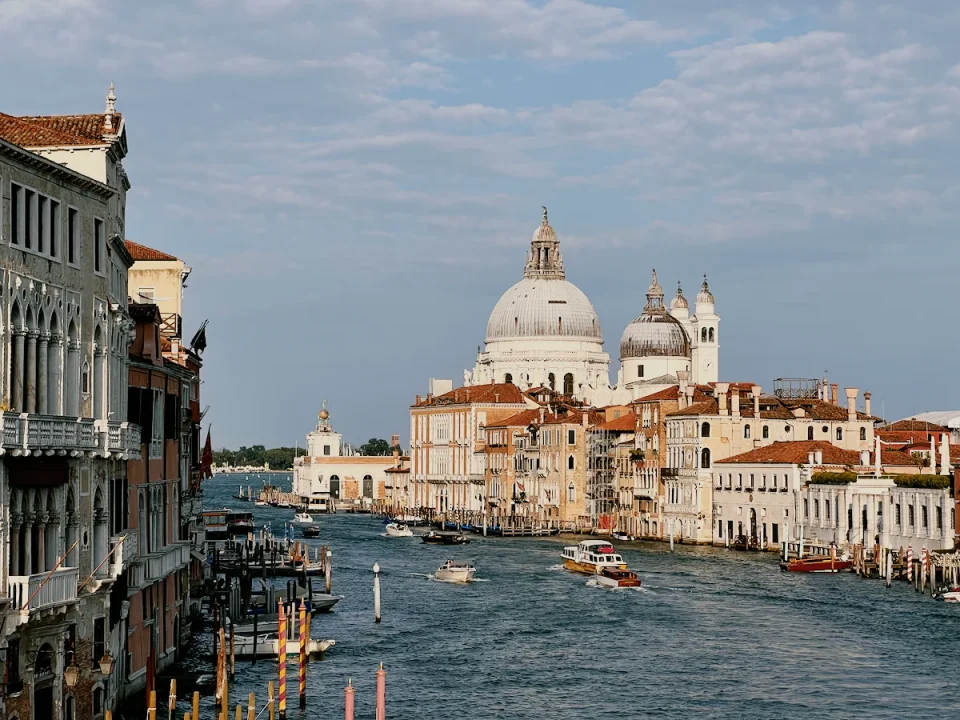 Vision3 250D
 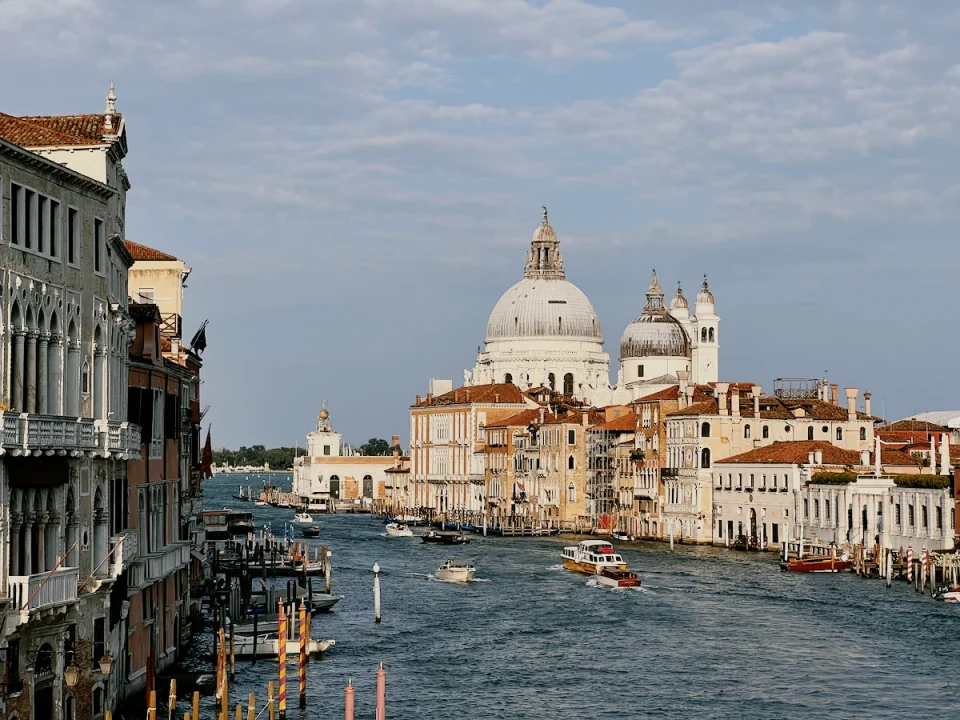 Vision3 500T
 The paper matters too
The same film printed on different papers looks different in colour and contrast. So in Lucarne you can choose the paper as well as the film: Kodak’s Endura papers, Ektacolor Edge, Vision 2383 and 2393, and Fujifilm Crystal Archive. Or let Lucarne match the paper to the film.
- Scenethe light you shot
- Filmrecords colour and tone
- Papersets contrast and colour
- Photowhat you see
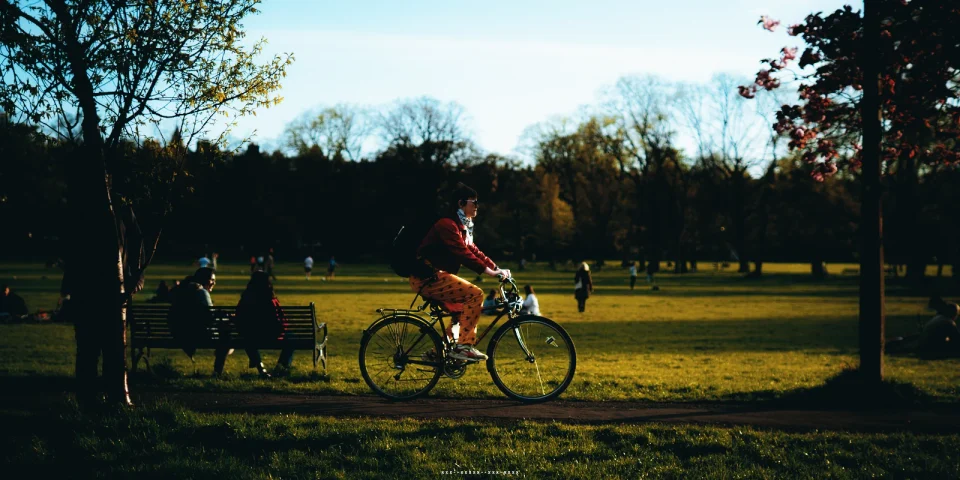
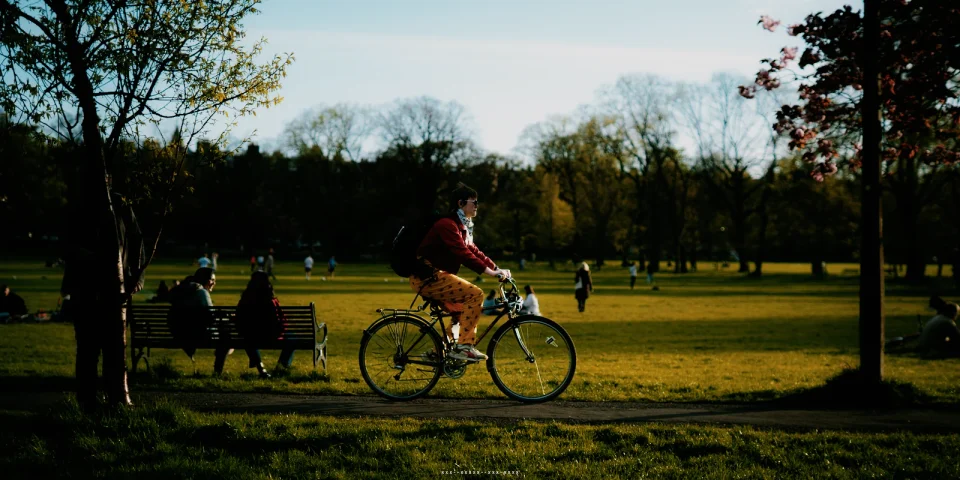
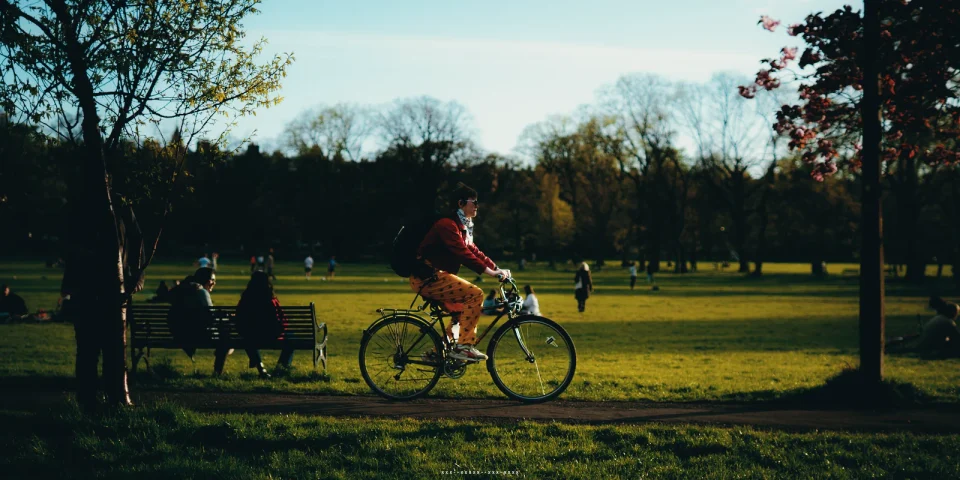
Grain, halation, and format
- Grain: amount, size, and roughness, with a pattern of its own for every photo
- Halation: the warm red glow around bright lights
- Format: 35 mm, medium format 6×7, or large format 4×5 — the larger the format, the finer the grain
- Exposure: set the film’s exposure and the print’s exposure separately
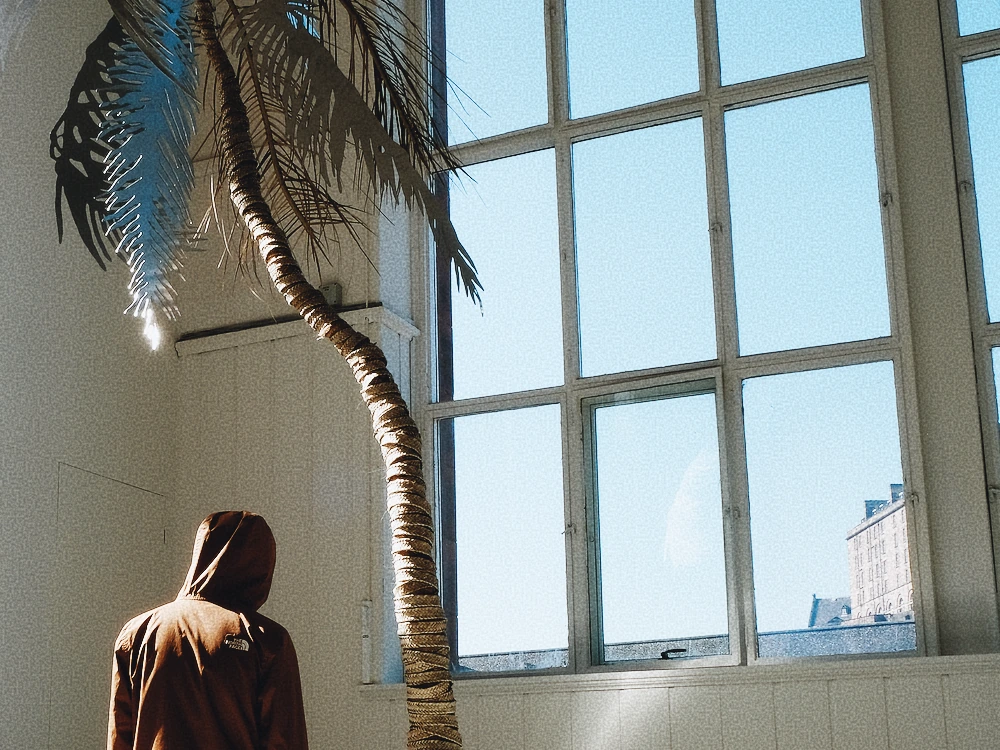 Grain
Grain 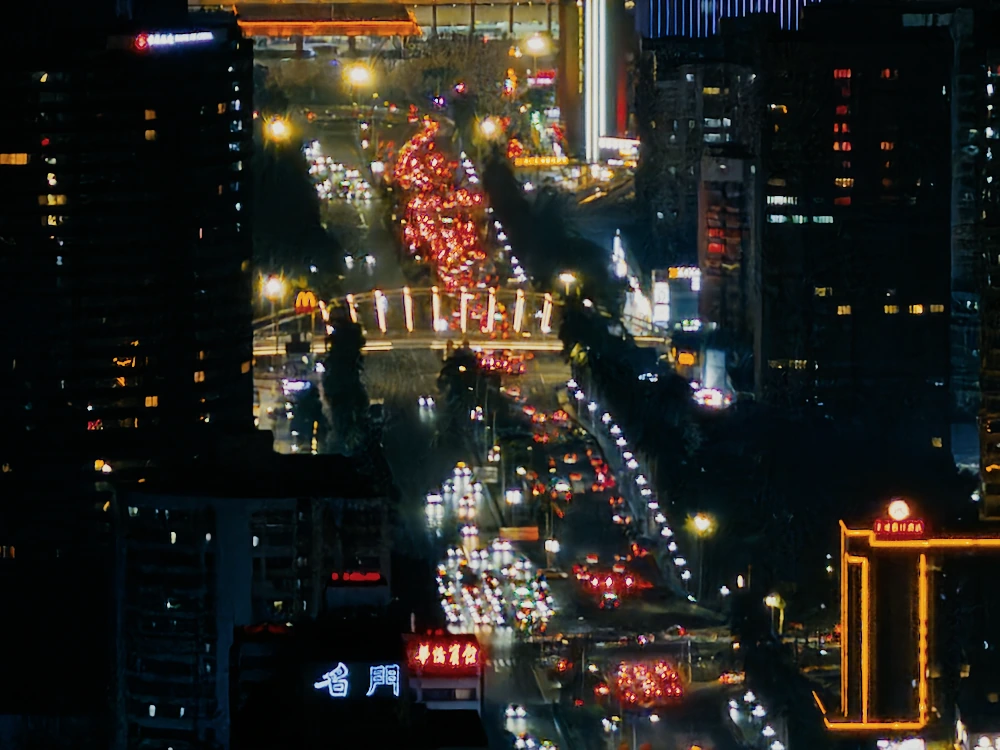 Halation (Vision3 500T)
 Keep adjusting
After you apply a film, you can keep going: the print’s warmth and tint, the amount of the film effect, plus exposure, colour, curves, and local adjustments. You can also import your own LUTs in .cube and Hald formats.
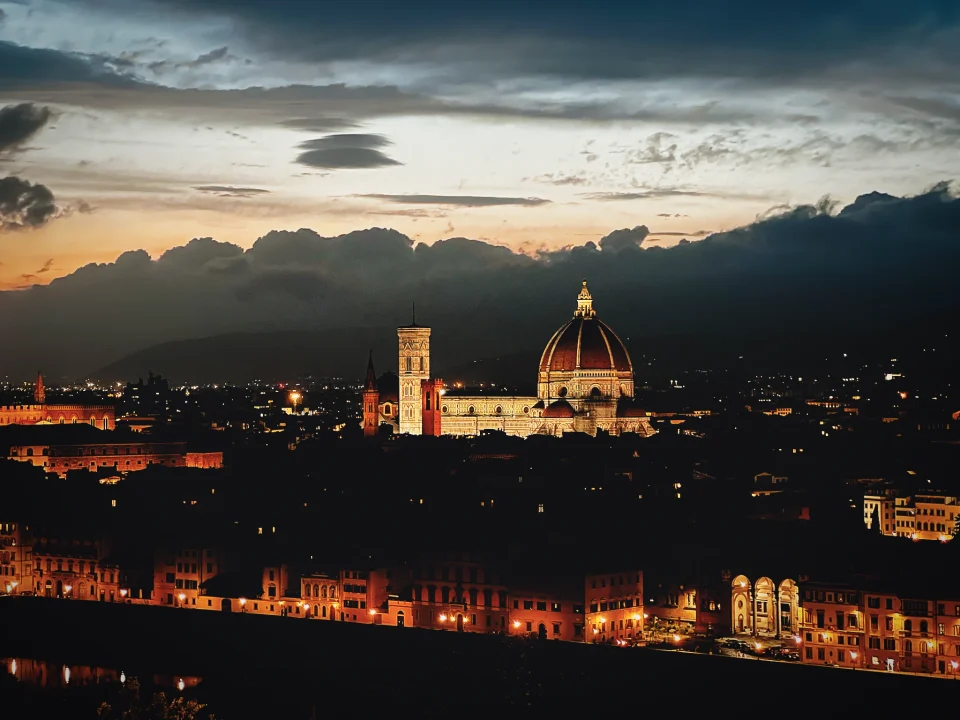
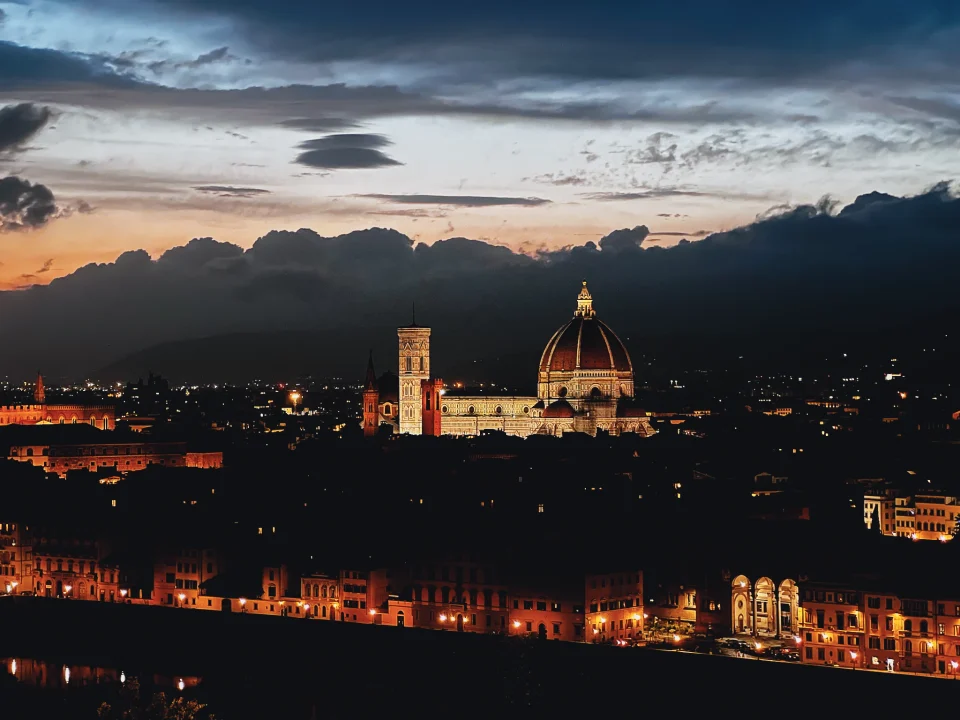
Works with photos from any camera
Film simulation works with RAW files from major cameras such as Sony, Fujifilm, Nikon, and Canon, and with JPEG, HEIF, PNG, and other common formats.
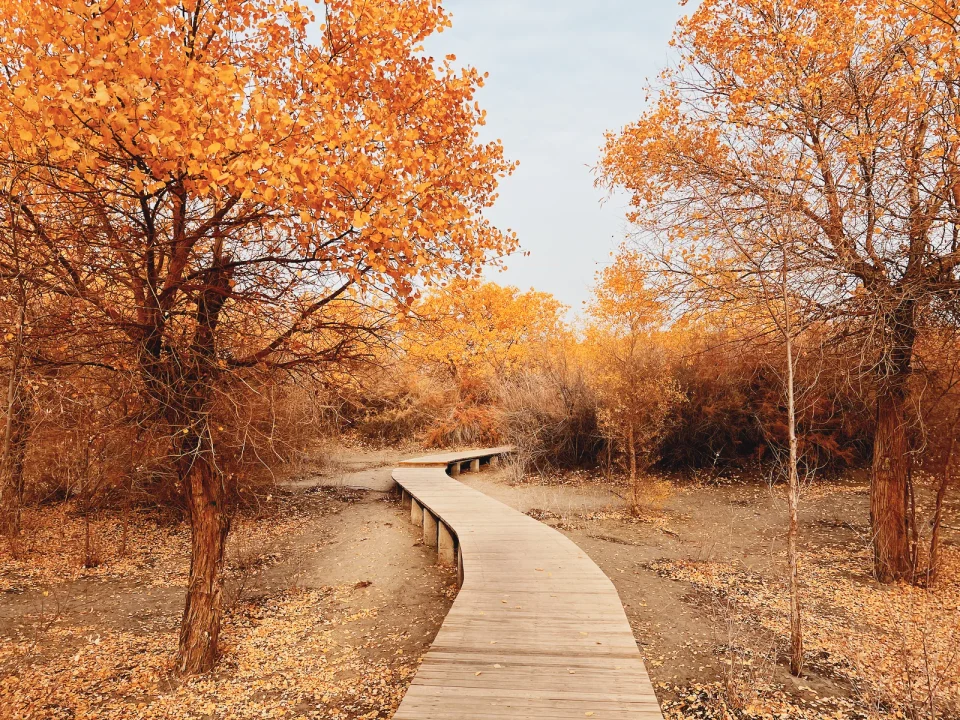
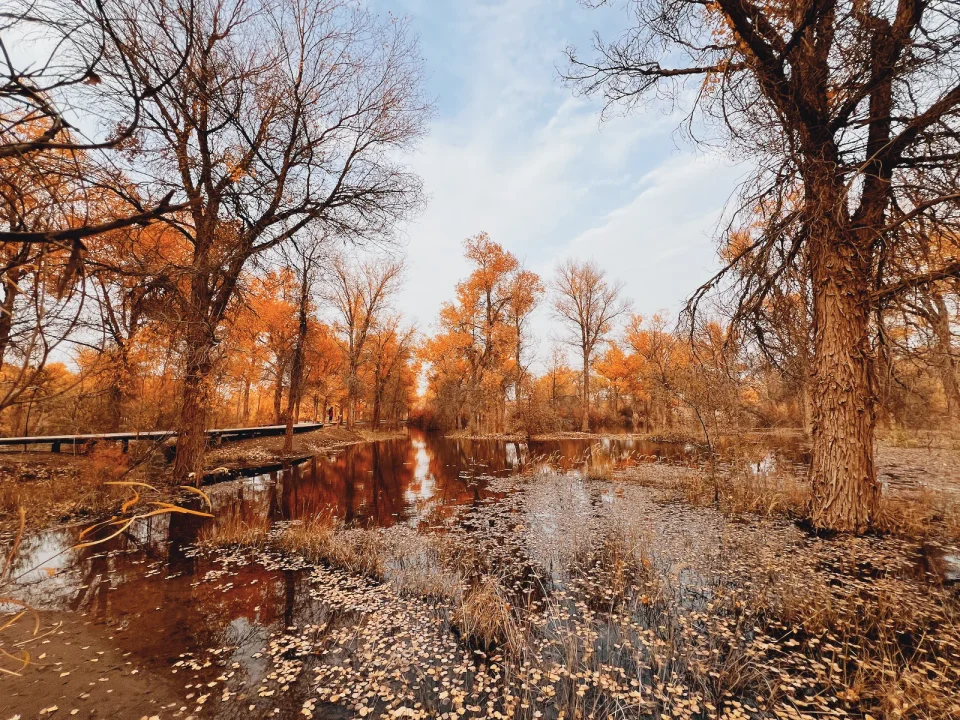
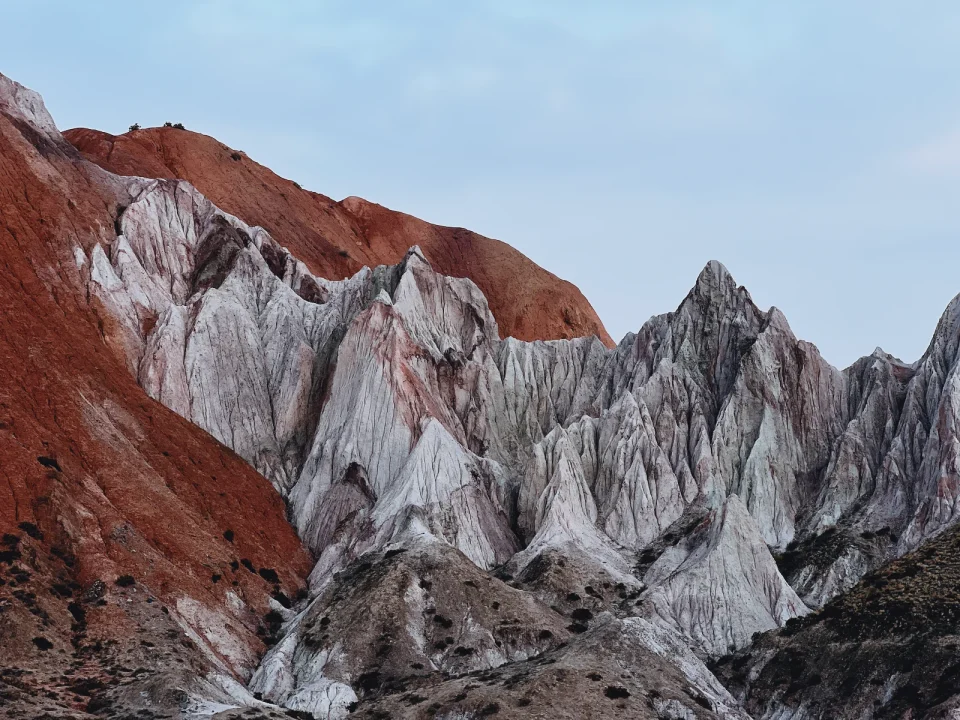
One film for the whole shoot
Save your film look as a Look and apply it to a whole set of photos, as if they came from the same roll.
Questions
- Is film simulation free?
- Yes. All 20 films, 8 papers, and effects such as grain and halation are free to use.
- Do I need RAW files?
- No. RAW, JPEG, and other common formats all work.
- Can I use my own LUTs?
- Yes, in .cube and Hald formats.