
How to edit Fujifilm RAW on a Mac
Lucarne is a free photo editor for the Mac that develops X-Trans files with a method designed for them, corrects your lenses from the data your camera writes, and has film looks ready to apply. It’s quick to learn and easy to use.
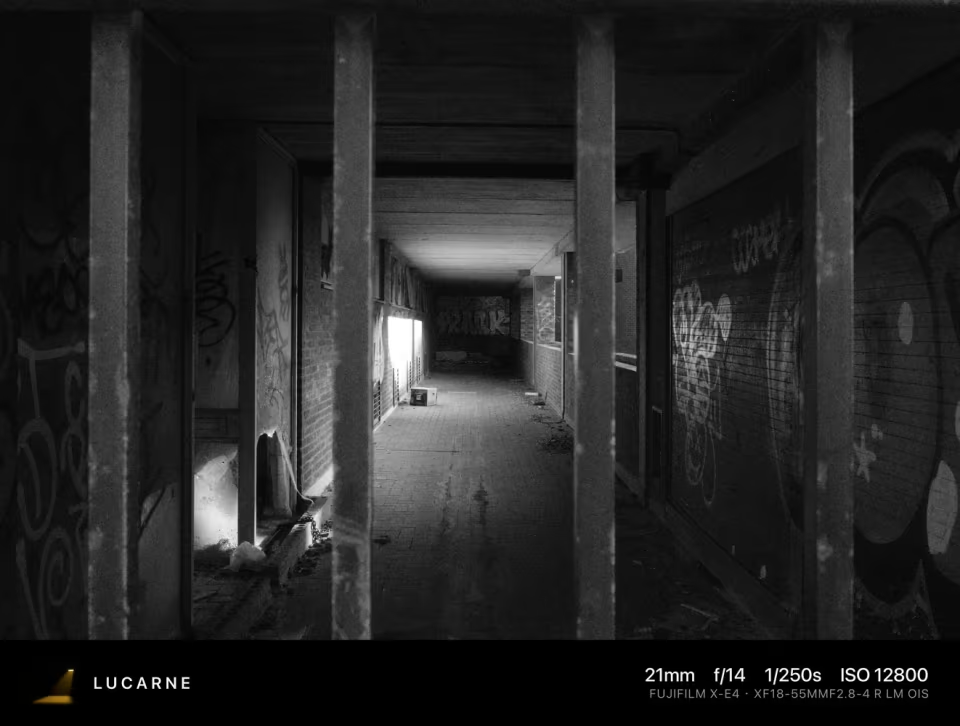
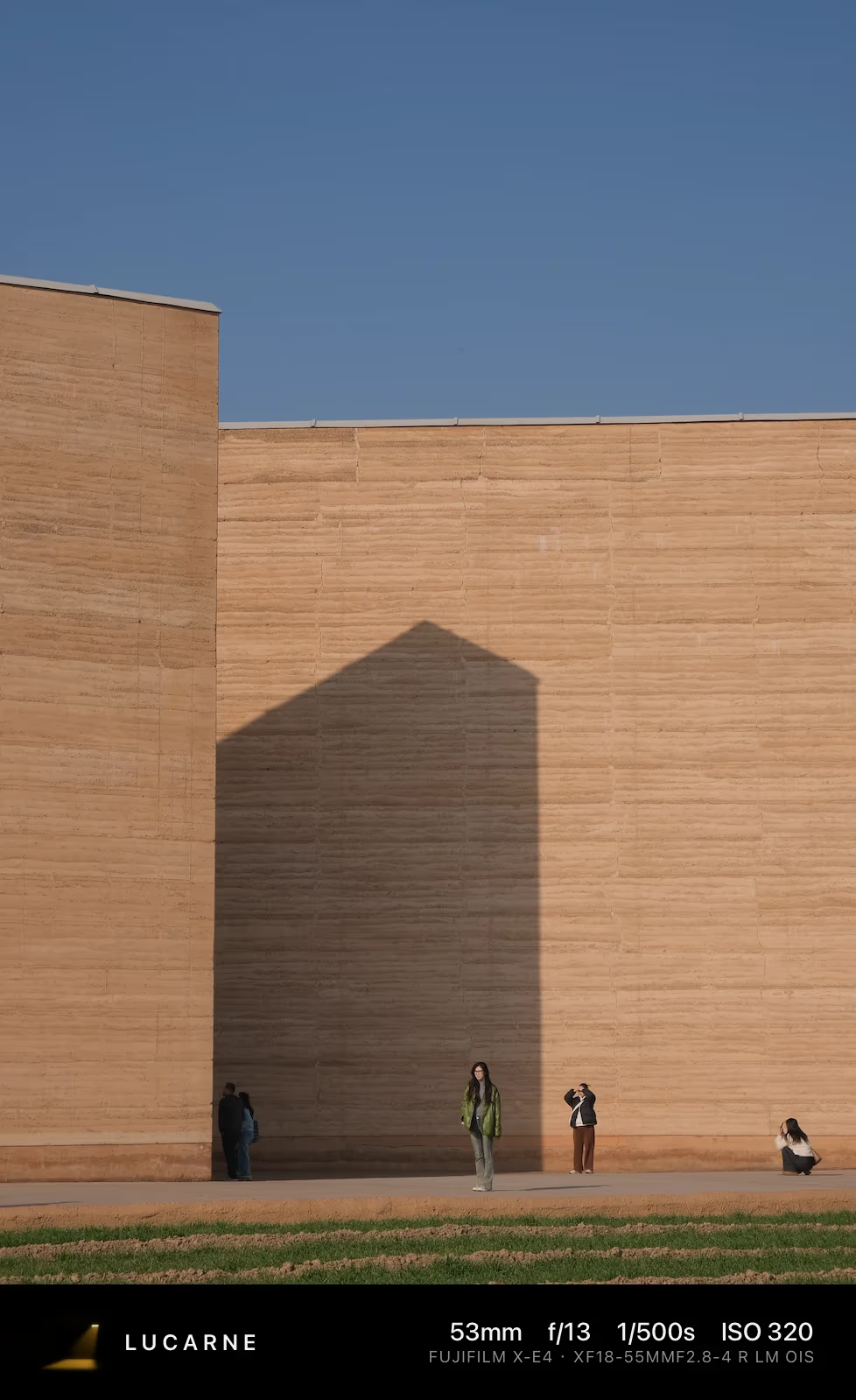
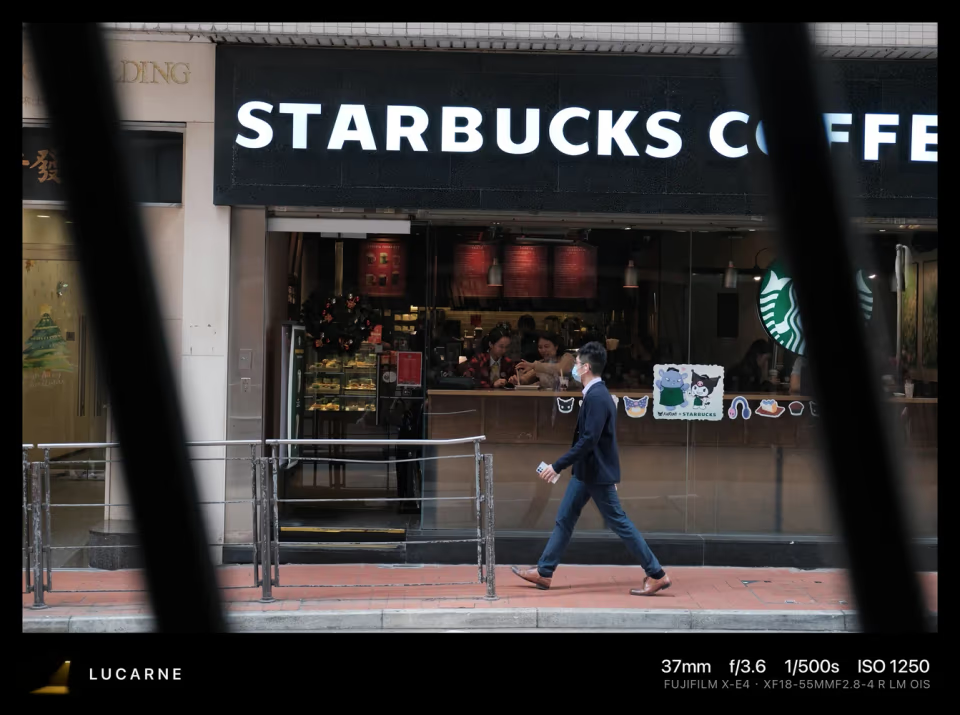
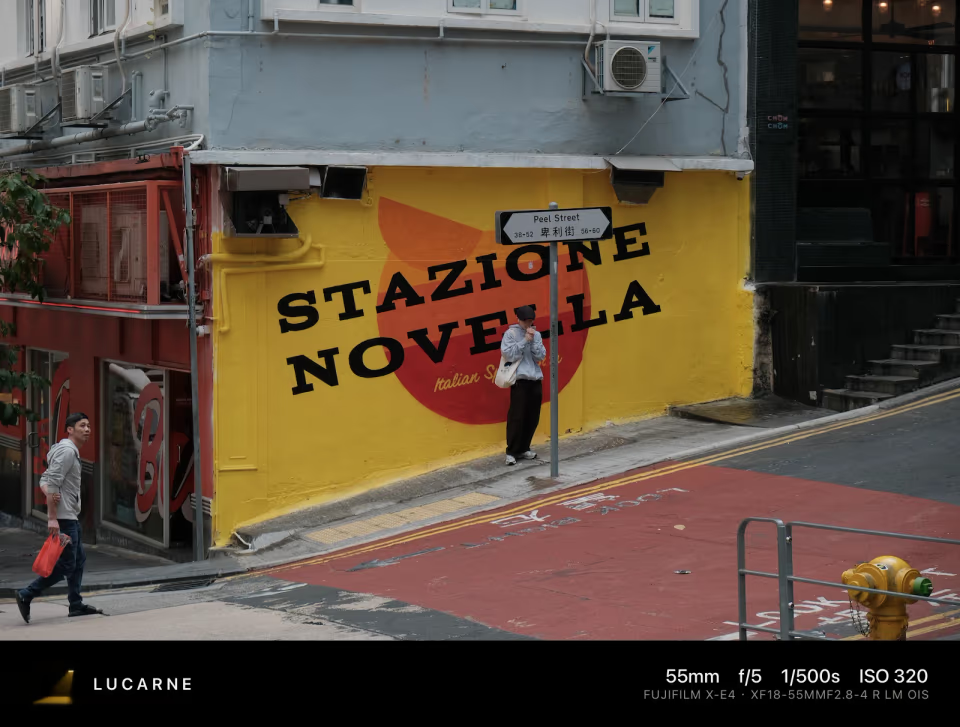
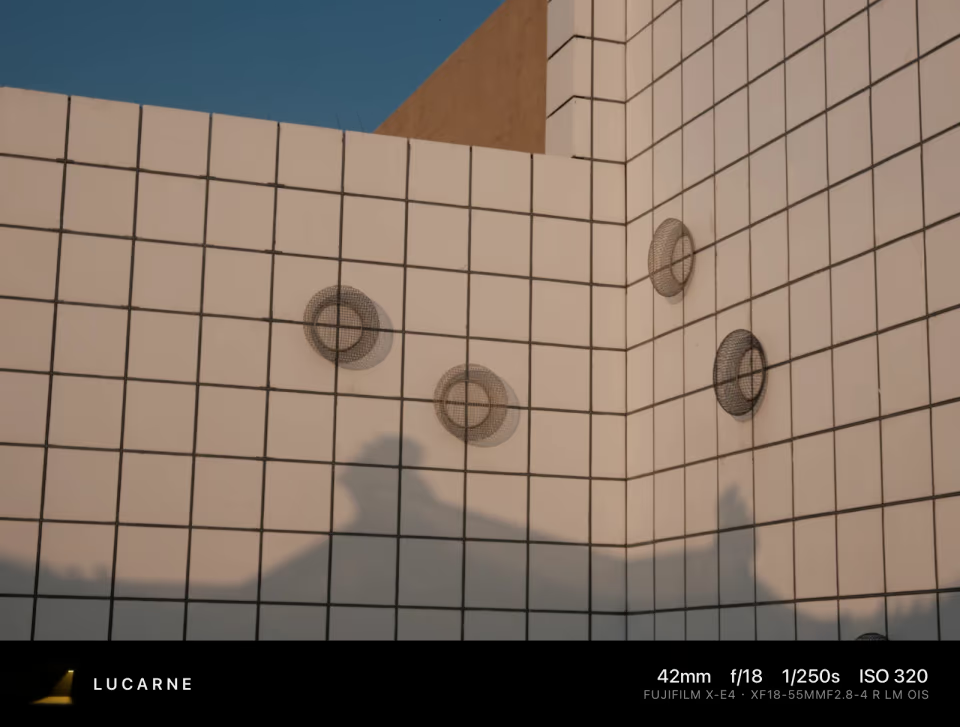
Clean detail from X-Trans
The X-Trans sensor arranges its colour filters differently from most sensors, in a less regular six-by-six pattern. Turning its data into a picture needs a method made for it. With a generic one, fine textures like leaves and grass can turn mushy, or show worm-like patterns.
Lucarne has its own method for X-Trans, running on your Mac’s graphics chip. Leaves, hair, and fabric come out crisp and natural.
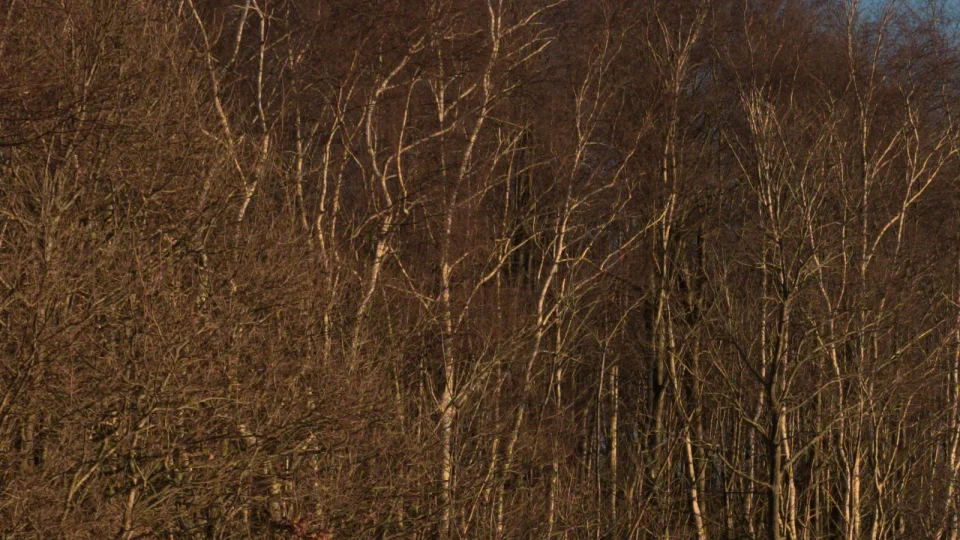
Lens corrections from the camera’s data
Fujifilm cameras write each lens’s distortion, colour fringing, and vignetting into the RAF file. Lucarne reads that data and corrects them for you, including photos taken in the 1.25× crop mode. You can make the correction stronger or weaker.
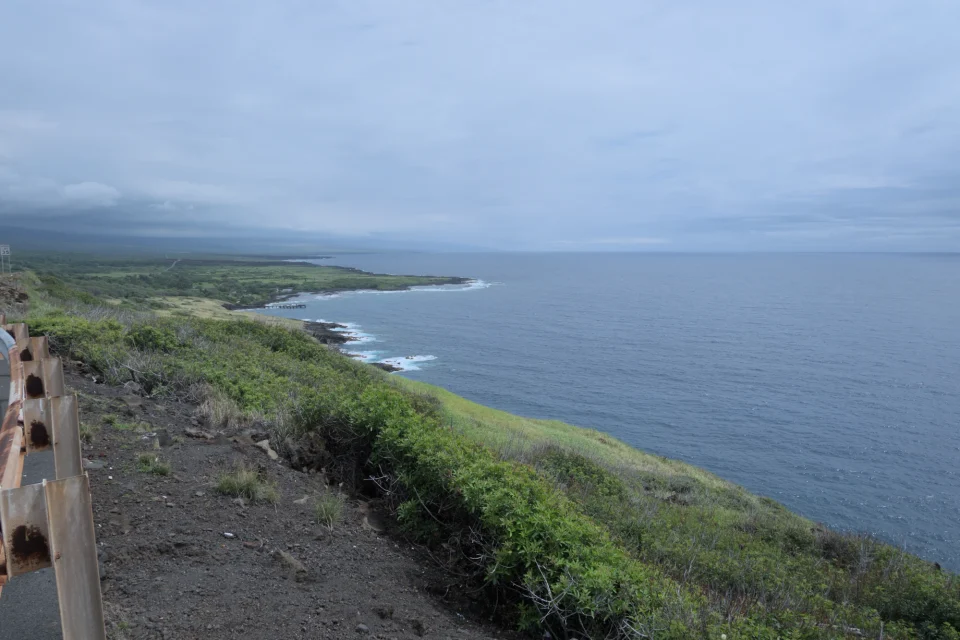
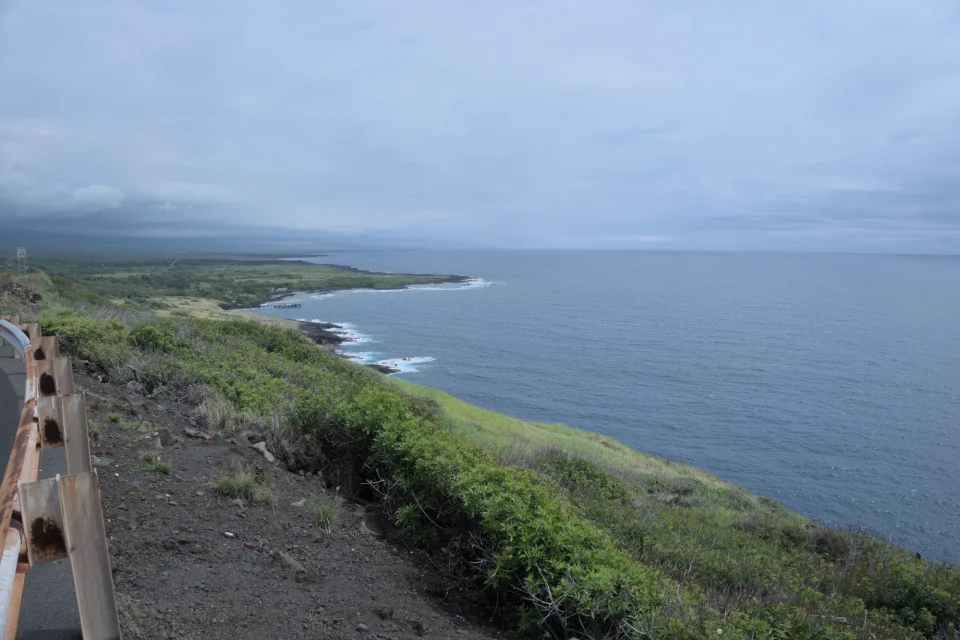
Colour and film looks
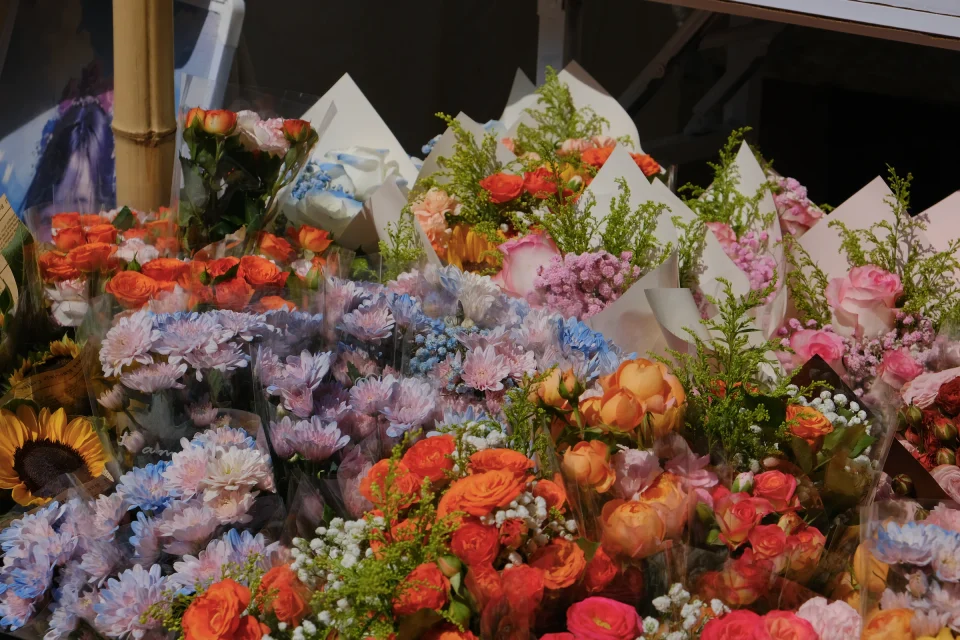
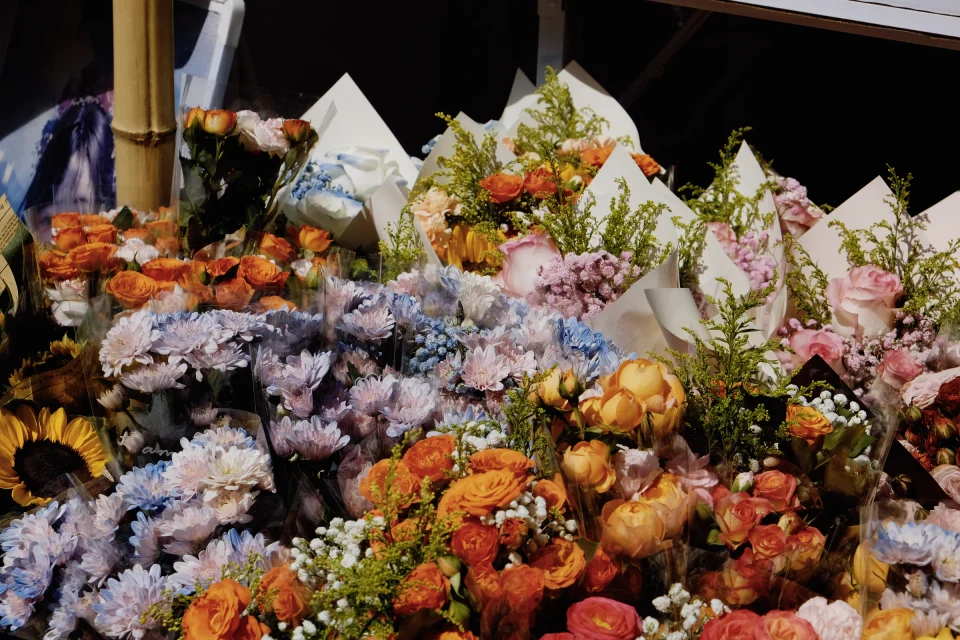
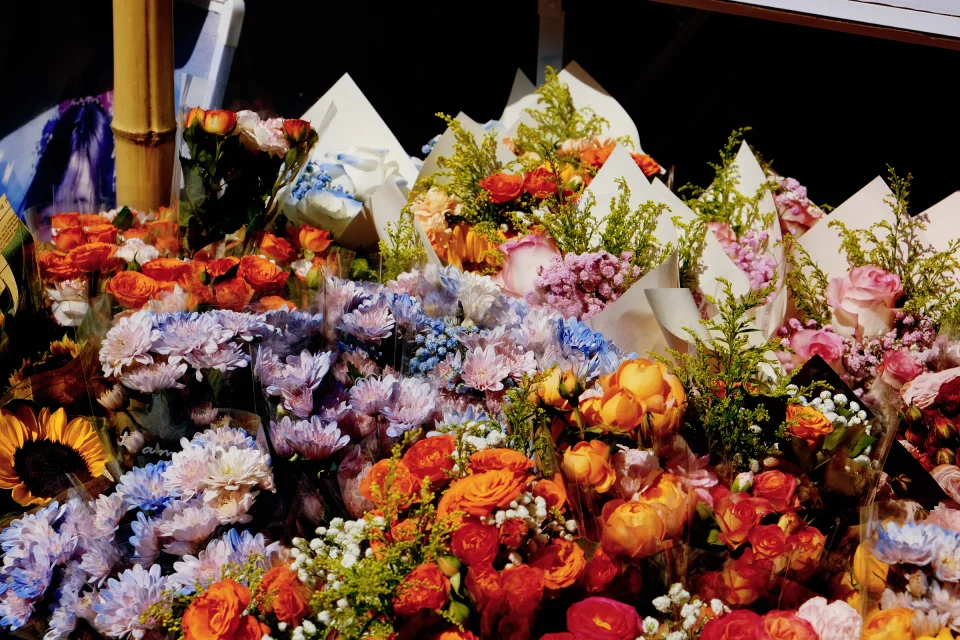
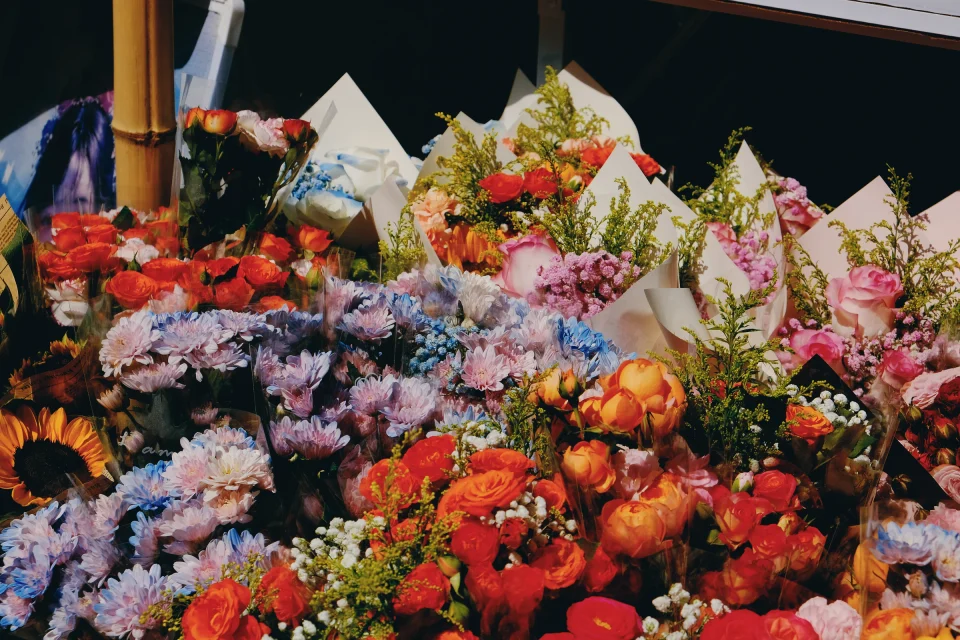
Tone, curves, HSL, and colour grading let you make your own colour. For a film look, film simulation has 20 film styles ready to use.
Edit a whole shoot
- RAW+JPEG as one: shoot both, and the library shows one photo, so you judge each shot once
- Culling: rate, pick, reject, then see only the keepers
- One look for the shoot: edit one photo, save it as a Look, apply it to the rest
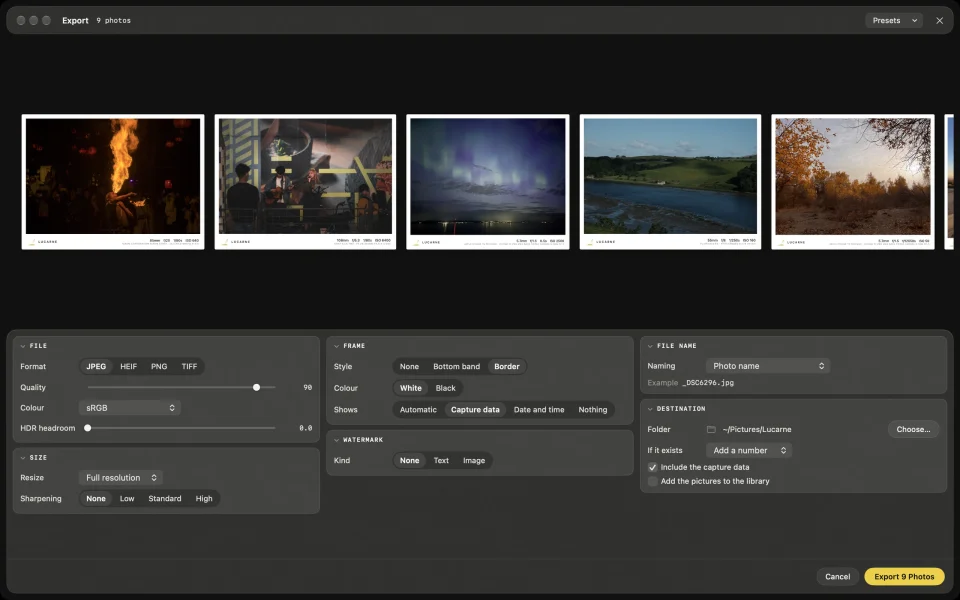
- Frames on export: the camera, lens, and settings printed in the frame
Simple and free
You don’t need a subscription to edit your Fujifilm RAWs, or weeks to learn a complicated app. Lucarne is ready to use the first time you open it, and runs natively on Apple silicon.
Questions
- Which Fujifilm cameras are supported?
- RAF files from Fujifilm X series cameras, compressed and uncompressed.
- Is Lucarne free?
- Yes. Editing, film looks, AI features, and export are all free to use.
- Do I have to shoot RAW?
- No, you can edit JPEGs too. RAW keeps more information, so you have more room to edit.